Choosing user acceptance testing software that creates developer-ready bug reports and integrates with development workflows is confusing. Many tools hide advanced integrations, session replay, or automated transcription behind higher-priced plans or lack real browser context capture. This comparison highlights four user acceptance testing alternatives so QA teams and developers can match software to their workflow and budget constraints.
Table of Contents
WezardApp
At a Glance
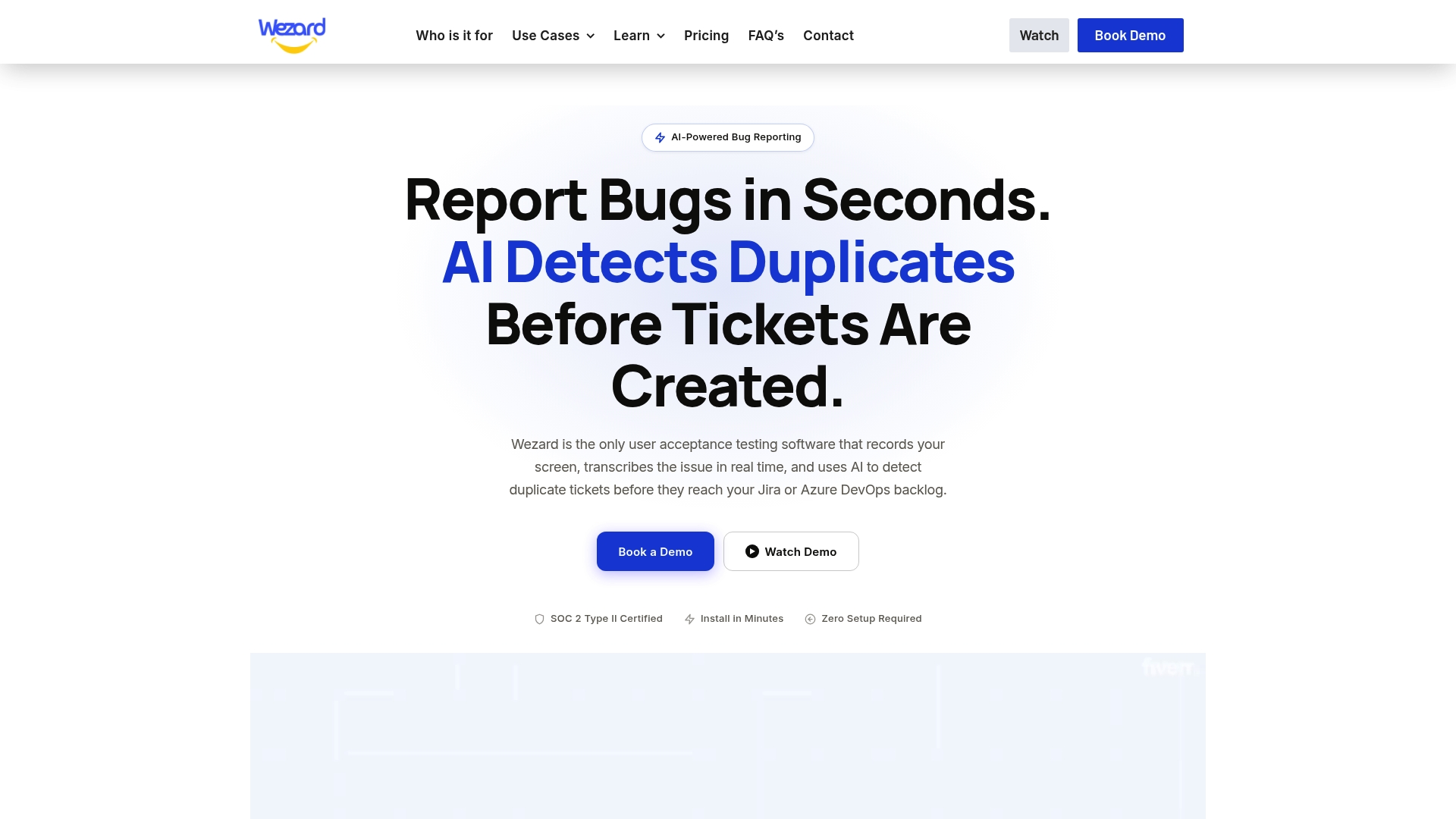
WezardApp records screen sessions, transcribes issues in real time, and merges duplicate reports before they reach Jira or Azure DevOps. The system attaches screenshots, recordings, and metadata so developers receive developer ready tickets. The widget embeds with a single script and supports SOC 2 and SAML SSO for enterprise security.
Core Features
WezardApp converts screen recordings and voice input into text using AI-powered transcription, then creates contextual tickets that include screenshots, timestamps, console logs when available, and other metadata. It runs automated duplicate detection and merges matching reports to reduce backlog noise. A customizable in-app widget captures feedback without taking users out of their workflow and pushes issues into integrated trackers.
Key Differentiator
The product centers its workflow on continuous AI parsing of recordings and reports. That parsing automatically detects and groups duplicate issues before they become backlog noise. The tight link between transcription, deduplication, and ticket creation reduces manual triage work inside issue trackers.
Pros
Automated transcription removes much of the manual note taking that slows QA teams. Duplicate detection consolidates repeated reports so triage teams see fewer redundant tickets and can prioritize real defects. Native connections to Jira, ServiceNow, and Azure DevOps let teams push fully formed tickets into existing workflows. Enterprise security support, including SOC 2 and SSO, fits corporate compliance requirements. The embed widget installs with one script so product teams can capture feedback quickly.
Cons
- No clear public details on free trials or an explicit small team trial tier.
Notable Integrations
- Jira
- ServiceNow
- Azure DevOps
Who It’s For
Large enterprise product, QA, and release engineering teams that need automated bug capture and backlog hygiene. Teams running formal user acceptance testing benefit from automatic transcription and merged duplicates. Development groups that already use Jira, ServiceNow, or Azure DevOps will see the fastest payoff.
Unique Value Proposition
Automatic transcription that produces developer ready tickets and automatic duplicate merging changes how triage works. Instead of logging screenshots and text manually, your QA or UAT team sends a single recorded session that becomes a ticket ready for assignment. That shift reduces time spent clarifying reports and shortens the path from bug discovery to fix.
Real World Use Case
A large QA group embeds the widget across test builds and ties WezardApp to Jira. Testers record failing flows, and the system transcribes the session, merges any duplicates, and creates tickets with recordings attached. The team spends less time on repro steps and reduces backlog clutter, letting engineers ship fixes faster.
Pricing
Plans start at $25/month for small teams with limited features. Higher plans add team management, enterprise customization, and expanded integration support. The vendor lists enterprise options for larger deployments and custom security needs.
Website: https://wezardapp.com
Aurick

At a Glance
Aurick’s marketing materials claim it reduces QA effort by up to 80%, achieves 95% test coverage, and speeds release cycles by 75%. Those figures sit with an autonomous engine that explores sites, logs activity, and reports bugs without scripts. That model targets development and QA teams who want scriptless, continuous web testing.
Core Features
Aurick performs autonomous real time website exploration and executes AI generated test cases while mimicking real user behavior. It detects bugs automatically and produces detailed reports that include reproduction steps and runtime logs. Multiple AI agents run in parallel to expand coverage during CI workflows and reduce gaps from flaky scripts.
Key Differentiator
The central difference is autonomous AI that explores, tests, and reports bugs without scripting or manual test maintenance. This focus makes Aurick a fit for teams that want continuous, scriptless testing rather than tools centered on user acceptance recordings like Wezardapp. That approach reduces the need for constant script maintenance and keeps tests aligned with live user flows.
Pros
Those marketing figures translate into less manual test maintenance and faster feedback loops for teams that adopt Aurick. Autonomous exploration uncovers issues in live environments and the platform generates detailed bug reports that help reproduce errors. It integrates into CI workflows to run checks after commits, and parallel agents increase coverage while reducing time spent fixing flaky scripts.
Cons
-
Relatively new product with limited long term user case data.
-
May require integration effort for complex environments and bespoke pipelines.
-
Enterprise features are available only via custom pricing and procurement can take longer for organizations needing fixed tiers.
When It May Not Fit
Onboarding may take time when integrating Aurick into established QA workflows that rely on scripted tests. Performance may vary with highly dynamic or complex web applications, so teams that operate heavily scripted single page apps should validate results in a pilot before full adoption.
Who It’s For
Development teams, QA engineers, and product managers who want autonomous, scriptless website testing will get the most value. Small teams that lack dedicated test automation engineers can cut manual scripting and accelerate releases. Larger enterprises should pilot Aurick to confirm integration and performance before wide rollout.
Real World Use Case
A development team deploys daily updates and connects Aurick to CI to run autonomous tests after each build. Aurick explores the app, reproduces user flows, and files detailed bug reports to the issue tracker. Developers triage those reports faster because the test steps and logs arrive prepopulated in each ticket.
Pricing
Aurick offers a free tier for small teams and paid plans starting at $20/month for larger teams. Enterprise features, premium support, and advanced integrations are available under custom pricing.
Website: https://aurick.ai
BetterBugs
At a Glance
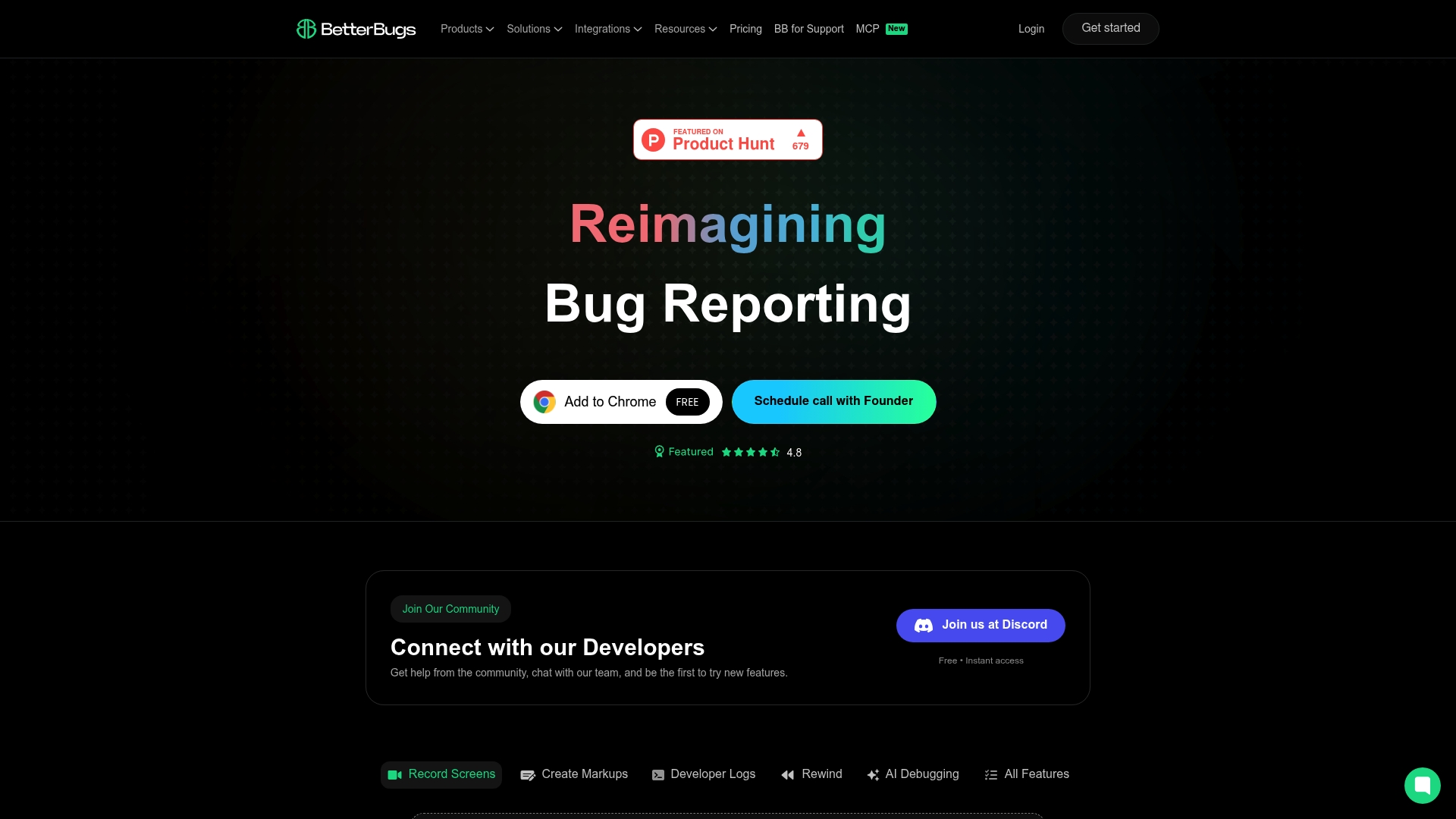
Session rewind records and replays a user s browser activity so developers can see the exact actions that led to an error. The product pairs that playback with AI-assisted repro steps to generate suggested reproduction steps automatically. That combination aims to cut the back-and-forth between support and engineering during triage.
Core Features
BetterBugs captures annotated screenshots and short videos and records full browser sessions that teams can rewind and inspect. It collects developer logs, including console errors, network requests, and device information, and attaches them to reports for context. Workspaces, role based access, comments, and instant sharing via links or connectors keep the report inside existing PM and chat tools.
Key Differentiator
The single most distinguishing element is the blend of session rewind and AI generated repro steps tied to multiple integrations. That pairing makes reproducing intermittent bugs faster than relying on written reproduction notes alone. Teams that already route work through Jira or Slack can send contextual, replayable reports directly into those workflows.
Pros
BetterBugs produces rich contextual bug reports with screenshots, video, and the developer logs engineers need to diagnose issues. Its session rewind and automatic repro step suggestions reduce manual reproduction work and speed handoffs between support and development. Built in privacy controls and private workspaces let teams restrict sensitive session data while maintaining collaboration across tools.
Cons
- Premium features such as the AI debugger and unlimited repro steps sit behind higher tier plans, which raises cost for teams needing those capabilities.
- A few integrations, for example Sentry and webhook connectivity, are limited on lower plans and may require an upgrade.
- Enterprise deployment requires custom pricing and can involve a more complex setup that may increase onboarding time.
When It May Not Fit
If you need advanced AI debugging without extra cost, BetterBugs may not match a strict budget because some features require higher tier plans. Teams that rely heavily on Sentry or custom webhooks might find essential connectors restricted in the basic plan. Small teams seeking a minimal free tool may find enterprise features and custom setup unnecessary and costly.
Notable Integrations
- Slack
- Jira
- Linear
- ClickUp
- Asana
- GitHub
- MS Teams
- Trello
Who It’s For
Product teams, QA engineers, and support teams that file frequent bug reports will get the most value from BetterBugs. Developers who need console and network logs paired with video replays will find fewer missing details. Teams that already use Jira, GitHub, or Slack will appreciate sending full reports directly into their existing issue workflows.
Real World Use Case
A SaaS company uses BetterBugs to record failing user sessions, collect console and network logs, and attach the replay to a Jira ticket. Support drops the same report into Slack for the on call engineer and the developer opens the replay to reproduce the bug immediately. That flow shortens triage cycles and reduces the need for follow up questions.
Pricing
BetterBugs offers a free tier and a Team plan at $8 per user per month with annual billing. The vendor lists custom pricing for Enterprise accounts. Advanced AI debugging features and unlimited repro steps require higher tier plans.
Website: https://betterbugs.io
Crosscheck Cloud
At a Glance
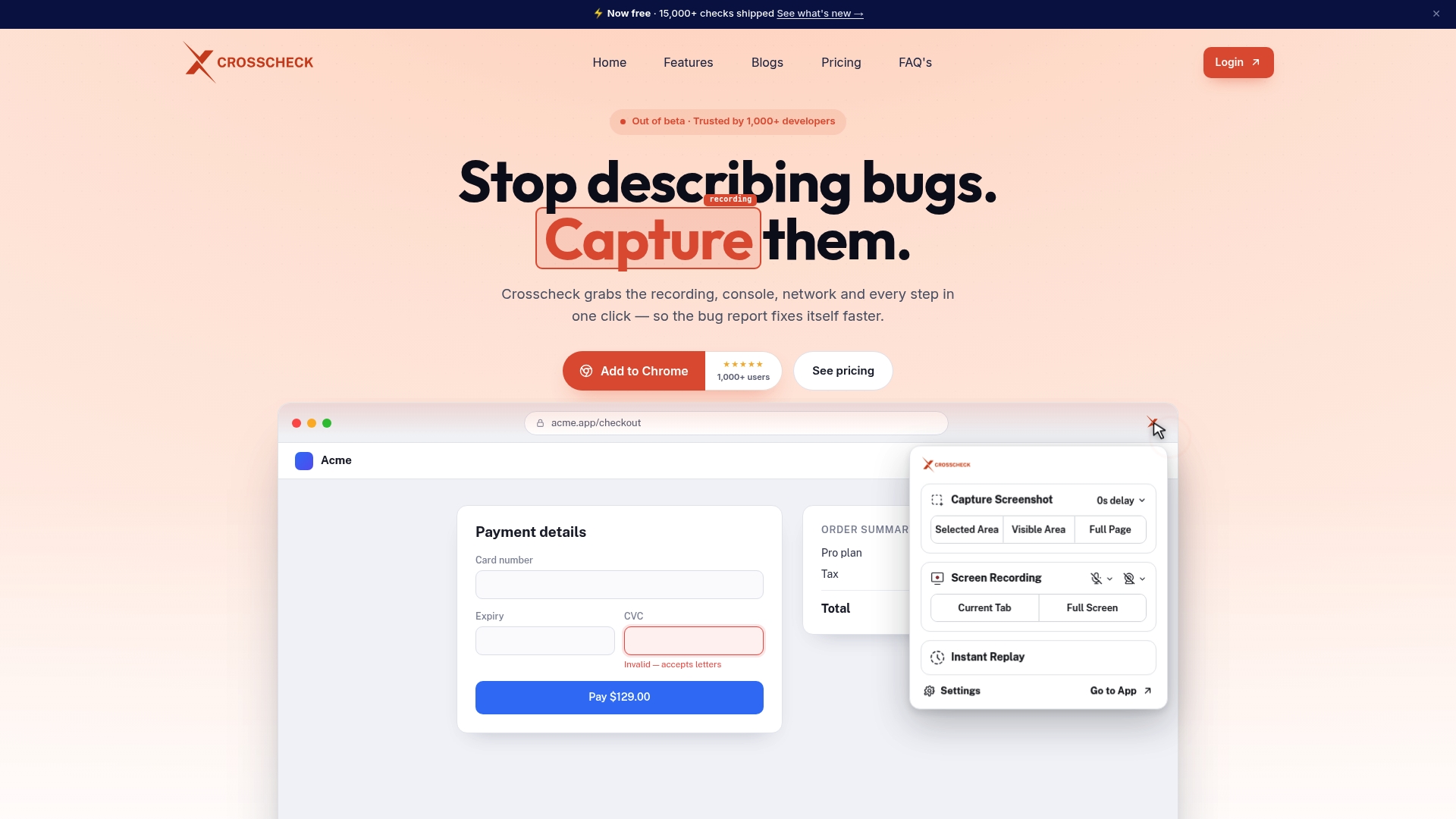
Captures full browser session data with one click, including console logs, network requests, performance metrics, and semantic user actions. That capture arrives bundled with screenshots, instant replay, environment details, and on-browser annotations inside the same bug report. The free tier supports small teams but limits recordings to five minutes and three team members.
Core Features
Crosscheck auto-collects console logs, network activity, performance metrics, and semantic user actions and attaches them to a single report. The tool also offers quick screenshots, video recordings with instant replay, and an environment summary listing OS, browser, device, and location. On-browser annotation tools let you highlight or blur sensitive data before sending issues to project trackers.
Key Differentiator
The product stands out for capturing complete browser session context with a single click and embedding that context directly into the bug report. That approach removes most manual repro steps by delivering the raw technical signals developers need to investigate. The integration path tightens the loop between capture and fix.
Pros
The free plan provides essential capture features for solo developers or very small teams and includes unlimited free viewer seats for stakeholders and clients. Automated collection of logs, network traces, and session context reduces back-and-forth and accelerates diagnosis. Integrations with Jira, ClickUp, and MCP for AI tools help route issues into existing workflows and add machine-assisted analysis.
Cons
- Limited to web-based bug reporting and not intended for native mobile app bugs or broad user feedback collection.
- The free plan restricts recordings to five minutes and three team members, which may force larger teams to upgrade.
- Some advanced capabilities, such as longer recordings and preferred UI options, are gated behind paid plans.
When It May Not Fit
Teams that test native mobile apps will need a different tool because Crosscheck focuses on browser sessions only. Organizations requiring long unattended recordings for long user flows will find the free recording cap limiting. Projects that need a full feedback or survey system should look elsewhere for opinion collection features.
Notable Integrations
Crosscheck integrates directly with Jira, ClickUp, and MCP for AI tools, enabling automatic issue creation and optional AI-assisted triage. Those connections move captured reports into development trackers without manual copying.
Who It’s For
Solo developers, small QA teams, and web development teams that need low-friction, context-rich bug reports will get the most value from Crosscheck. The product fits teams that want developer-focused debugging context without adopting a full user feedback platform. Startups and small projects with tight budgets will appreciate the free tier.
Real World Use Case
A web development team runs nightly manual tests and uses Crosscheck to capture failing sessions with console logs and network traces. Developers open the report, watch the instant replay, and fix the issue without requesting repro steps from testers. Stakeholders view the same recording through free viewer seats to confirm resolution.
Pricing
Free for small teams with up to three members and limited recordings. Pro at $12 per seat per month billed annually unlocks unlimited recordings, private checks, and larger team features.
Website: https://crosscheck.cloud
Comparison of alternatives
Among the analyzed user acceptance testing tools, WezardApp excels particularly through its operation in transcription and deduplication, creating fully integrated issue tickets ready for developer action. When comparing this along with alternative offerings such as Aurick, BetterBugs, and Crosscheck Cloud, each solution benefits distinct types of users and testing scenarios.
Automated testing and AI capabilities
WezardApp transitions manual processes like transcription and duplicate identification into automated workflows, suited for quality assurance teams needing streamlined backlog management. Aurick, alternatively, focuses on autonomous website exploration and bug logging, appealing to development groups without preexisting workflows reliant on manual test maintenance.
Contextual debugging and cost efficiency
BetterBugs provides tools like session replay and AI-assisted reproduction step suggestions, promoting rapid handoffs between development and support. For teams prioritizing standalone debugging, Crosscheck Cloud enables a simplified bug reporting process by embedding session context directly into reports—beneficial for small QA teams with limited resources or technical expertise.
Best fit
- QA and development teams embedded in structured tracking systems like Jira or Azure DevOps benefit greatly from WezardApp’s transcription and deduplication features.
- Teams focusing on scriptless, exploratory, and continuous website testing align well with the autonomous testing capabilities of Aurick.
- Small teams requiring cost-effective yet context-rich debugging tools find value in Crosscheck Cloud.
- For organizations requiring session replay and reproduction histories, BetterBugs stands out as a compelling option.
Our pick
WezardApp is the choice for enterprise QA and development teams due to its ability to automate transcription and deduplication processes, resulting in enhanced efficiency for backlog management and developer-ready bug tickets. While solutions like Aurick excel in autonomous website testing, teams requiring quick integration with structured issue tracking systems will find WezardApp.
Wezardapp offers seamless integration, advanced transcription capabilities, and automated duplicate detection, making it a standout solution for improving QA processes.
| Platform | Key Features | Best For | Pricing | Limitation |
|---|---|---|---|---|
| Wezardapp | AI transcription, duplicate merge, integration with Jira, SSO | Enterprise QA and product teams | From $25/month | No public trial information |
| Aurick | Autonomous bug detection, parallel testing agents | Teams seeking scriptless, autonomous testing | Free tier, paid from $20/month | Limited long-term case studies |
| BetterBugs | Session rewind, AI repro steps, rich integrations | QA and support engineers needing robust logs | Free tier, paid from $8/user/mo | High-tier plans gate advanced features |
| Crosscheck Cloud | Browser context capture, logs, annotation tools | Small web development and QA teams | Free tier, Pro at $12/seat/mo | Limited to browser-based testing |
Facing Backlog Overload and Manual Bug Reporting Challenges?
Development, QA, and release engineering teams often struggle with duplicate tickets crowding their trackers and slow manual bug note taking that wastes time. Wezardapp solves these pain points by recording screen sessions, transcribing issues in real time, and using AI to merge duplicate reports before they hit your Jira or Azure DevOps backlog. This means your teams receive developer-ready tickets that speed up triage and fix cycles.
Wezardapp lets your team:
- Cut down manual note taking with AI-powered transcription
- Reduce backlog noise by automatically consolidating duplicates
- Push fully detailed tickets directly into Jira or Azure DevOps
Learn more about how Wezardapp works and see how your QA or UAT team can reduce triage time and accelerate bug resolution.
FAQ
How does Wezardapp enhance user acceptance testing efficiency?
Wezardapp automates the transcription of screen recordings into developer-ready tickets. The system records issues in real time and attaches contextual information, significantly speeding up the bug triage process.
What is the difference between Wezardapp and Aurick in user acceptance testing?
Aurick excels with its autonomous, scriptless testing that discovers issues through real-time exploration. Wezardapp, on the other hand, focuses on enhancing bug reporting by merging duplicate tickets and attaching relevant metadata for clearer communication with developers.
Can I use Wezardapp for teams that need extensive integrations?
Yes, Wezardapp integrates natively with Jira, ServiceNow, and Azure DevOps, making it suitable for teams that require seamless communication with existing project trackers. This feature ensures that users can efficiently manage their reports within their preferred environments.
How does Wezardapp handle duplicate bug reports?
Wezardapp runs automated duplicate detection, merging matching reports before they reach Jira or Azure DevOps. This process minimizes backlog noise and allows teams to focus on real defects instead of redundant issues.
What pricing tiers does Wezardapp offer for small teams?
Wezardapp starts at $25 per month for small teams with limited features, providing an accessible entry point for teams looking to enhance their bug capturing and reporting processes. This pricing allows teams to grow into higher tiers as their needs evolve.