
Vector search finds tickets by meaning instead of exact words. A tester who writes “can’t sign in” and another who writes “login failure” are describing the same defect, and vector search can connect them. For UAT teams, that makes it the most practical way to spot duplicate and related tickets. It works best when it runs at the moment a ticket is captured, before the duplicate reaches your Jira or Azure DevOps backlog. That is the approach we built Wezard around.
TL;DR
- Vector search turns each ticket into a list of numbers (an embedding) and returns the tickets whose numbers sit closest to the new one, so it matches meaning, not wording.
- It is strong on paraphrases such as “login failure” versus “can’t sign in to my account”. It is weak on exact identifiers like error codes and ticket numbers.
- A high similarity score does not prove a duplicate. Two reports can be 94% similar and still describe different OS versions or hardware, so thresholds and human review matter.
- Checking at capture is cheaper than cleaning up after a sprint, because the duplicate never enters the backlog.
- Wezard records the screen, transcribes the issue in real time and uses AI to flag duplicates before tickets reach Jira, Azure DevOps or ServiceNow.
Table of Contents
- What vector search actually does with a ticket
- Vector search versus keyword search for tickets
- How teams find duplicate tickets with vectors
- What to put in the embedding
- Where vector search goes wrong
- Catch the duplicate at capture, not after
- A realistic rollout for a UAT team
- Wezard for duplicate-free UAT intake
- Our view: the best duplicate is the one never filed
- FAQ
- Sources
What vector search actually does with a ticket
Traditional ticket search is keyword search. You type “checkout error” and the system returns tickets containing those words. If a tester wrote “payment page crashes,” you miss it.
Vector search works differently. A model converts each ticket into an embedding, which is a long list of numbers that encodes what the text means. Those embeddings sit in an index built for fast similarity search. When someone submits a new ticket, the same model converts it into an embedding, and the system returns the stored tickets whose embeddings are nearest, as Databricks explains in its overview of vector search.

The practical consequence is simple. According to the Helix DB documentation, a search for “login failure” can find a ticket titled “can’t sign in to my account” even though the two share no words. The documentation also notes that stored and query vectors must come from the same embedding space, which usually means the same model. If you change models, you re-embed everything.
Why this matters for UAT specifically
UAT is a duplicate-heavy activity. Ten business users walk through the same release candidate, hit the same broken screen, and each describe it in their own words. One says “the submit button does nothing.” Another says “form won’t save.” A third says “clicked Send, nothing happened.” None of those share many keywords, but a project manager or business analyst triaging the backlog sees one defect reported three times.
That is exactly the kind of problem meaning-based matching handles well. It is also why duplicate detection is more useful to the people who triage than to the people who test: testers should be free to describe what they saw in plain language, and the system should do the matching.
Vector search versus keyword search for tickets
You do not have to pick one. The two methods fail in opposite places.
| Query type | Example | Better method |
|---|---|---|
| Plain-language symptom | “why can’t I sign in” | Vector search |
| Exact identifier | “error E1042 on export” | Keyword search |
| Paraphrase of a known bug | “form won’t save” vs. “submit does nothing” | Vector search |
| Hard constraint | “opened after March 1”, “assigned to Priya” | Metadata filter |
| Mixed | “Safari checkout freezes after coupon code” | Both, merged |
Helix DB’s hybrid search guide says keyword search matches the analyzed terms in a query and handles exact codes, while vector search matches meaning and handles paraphrases but struggles with exact identifiers and rare tokens. Teams combine them by running both searches for the same query, retrieving more candidates from each, merging the ranked lists and optionally re-scoring. The guide says this pays off for support tickets because queries mix natural language with exact terms.
The same documentation also lists what vector search does badly: order numbers, product codes, email addresses, new jargon, and hard constraints such as dates and permissions, which are filters rather than similarities. In a UAT setting, that means a ticket mentioning “DEF-4821” or a specific environment should be matched on those exact values, and the narrative should be matched on meaning.
How teams find duplicate tickets with vectors
The pattern repeats across very different implementations. The details change, the shape does not.
- Embed the ticket as it is written. A U.S. patent application filed in September 2023 describes generating an embedding from a quality-ticket title as it is entered, then searching a vector database built from other ticket titles and bodies. The goal is to match tickets with similar but not identical problem descriptions and save engineering effort.
- Retrieve the nearest candidates. Fast approximate search returns the top few matches instead of comparing against every ticket. In a semantic triage engine described on DZone, an IVF index on FAISS cut the search space by 99.9%.
- Apply a threshold. Candidates above a similarity score are treated as likely duplicates. The same DZone write-up grouped issues above a 0.88 threshold under a shared defect identifier and found 450 duplicate pairs. On human review, 92% of the suggestions were correct.
- Decide what to do with the match. Merge, link, or ignore. That decision is where most real-world systems add a second layer, covered below.
Two more published examples show how thresholds vary. An AWS post from August 2026 on detecting duplicate IT service management articles treated anything with similarity of at least 0.95 as a duplicate, using the top five results, and tuned that threshold by sampling flagged pairs. An open-source Freshservice duplicate merger auto-merges at a default 90% score and sends candidates between 65% and 90% to a review console, logging every merge with its probability as an audit trail.
Notice that nobody uses the same number. A threshold that works for IT articles does not carry over to bug reports, and a bug report threshold tuned on one product does not carry over to another. Treat any published number as a starting point to test against your own tickets, never as a rule.

What to put in the embedding
What you embed shapes what you find. A title alone is short and often vague (“Error on save”). A title plus the description and steps to reproduce gives the model far more to compare. For failures that include technical context, such as the screen, browser, build or environment, that context should travel with the ticket so that two similar-sounding reports from different environments are not mistaken for one.
For business users, this raises a practical problem: most UAT testers do not write detailed tickets. They write one line and move on. Detail gets lost, and a vector model cannot compare what was never written down.
This is where capturing the report differently helps. When a tester records the screen and speaks while reproducing the issue, the transcript supplies the description and the recording supplies the steps. If you want a deeper look, our guide on turning recordings into tickets with video transcripts covers how a recording becomes a usable report, and editing the transcript before it goes to the backlog covers cleanup.
Where vector search goes wrong
Similar does not mean identical. The DZone author points out that two issues can be 94% similar and still refer to different hardware revisions or OS versions. That is why his engine adds an LLM reasoning layer after the index surfaces candidates, to suggest merge, link, or ignore for the top five.
For a UAT team, the equivalent risks look like this:
- False merges. Two tickets about “report export fails” turn out to be different reports with different root causes. Merging them hides a defect.
- Missed duplicates. A tester describes the same bug in unusual terms, or in a different language, and the score falls below the threshold.
- Identifier blind spots. Pure vector matching can miss that two tickets cite the same error code.
- Stale matches. A new ticket matches one that was already fixed and closed, which may mean a regression rather than a duplicate.
The controls are not exotic. Tune thresholds against pairs you have labeled yourself. Route mid-confidence matches to a person instead of merging automatically, as the Freshservice project does with its 65% to 90% review band. Keep a log of every merge so it can be undone. If you want the rules for testing merge logic safely, see our piece on merging duplicate tickets safely.
How to tell whether it is working
Track two numbers over time: how often the system flags a duplicate that was not one (false positives), and how often a real duplicate slips through (false negatives). Sample a few dozen flagged pairs each sprint and have the business analyst mark them. Then adjust. This is also the honest answer to the question “how good is our duplicate detection?”: measure it on your own tickets, because published accuracy figures come from other people’s data.
For a more detailed discussion of why strong retrieval scores can still fail on bug reports, read why high retrieval accuracy still fails duplicate bug detection.
Catch the duplicate at capture, not after
Most teams run duplicate detection as cleanup. Tickets pile up in Jira or Azure DevOps, someone runs a report on Friday, and a business analyst spends an afternoon merging. By then, the duplicates have already distorted priorities: a bug reported twelve times looks more urgent than one reported once, and developers may have started work on the same defect twice.
Checking at the moment of capture changes the economics. The duplicate is flagged while the tester is still on the screen, the tester can add their evidence to the existing ticket instead of opening a new one, and the backlog stays clean. Our walkthrough on preventing duplicate Jira tickets at capture explains the flow, and the product team plan for backlog duplicates covers triage afterwards. If your problem is concentrated in ServiceNow, there is a three-step runbook for duplicate incidents.
If you are weighing whether to start with a pilot, our 30 to 90 day pilot plan shows how to measure the effect before rolling out widely.
A realistic rollout for a UAT team
You do not need a data science project to benefit from the idea. A sensible order:
- Baseline first. Count the duplicates in your last UAT cycle. Pick a sample of 50 to 100 tickets and mark which are duplicates of which. This is your yardstick. Our baselines-first guide to duplicate detection goes through it.
- Standardize what testers submit. A short guided form with a title, what you expected, what happened and a recording beats a free-text box. More consistent input gives any matching method better material.
- Run detection at submission. Show the tester the likely matches before the ticket is created.
- Keep a human in the middle band. Obvious duplicates are linked automatically, borderline ones go to the analyst, and everything is logged.
- Review monthly. Compare false positives and false negatives against your baseline and adjust.
Steps 2 to 4 are what a UAT platform handles for you, so your analysts spend their time on step 1 and 5, which is judgment work.
Wezard for duplicate-free UAT intake
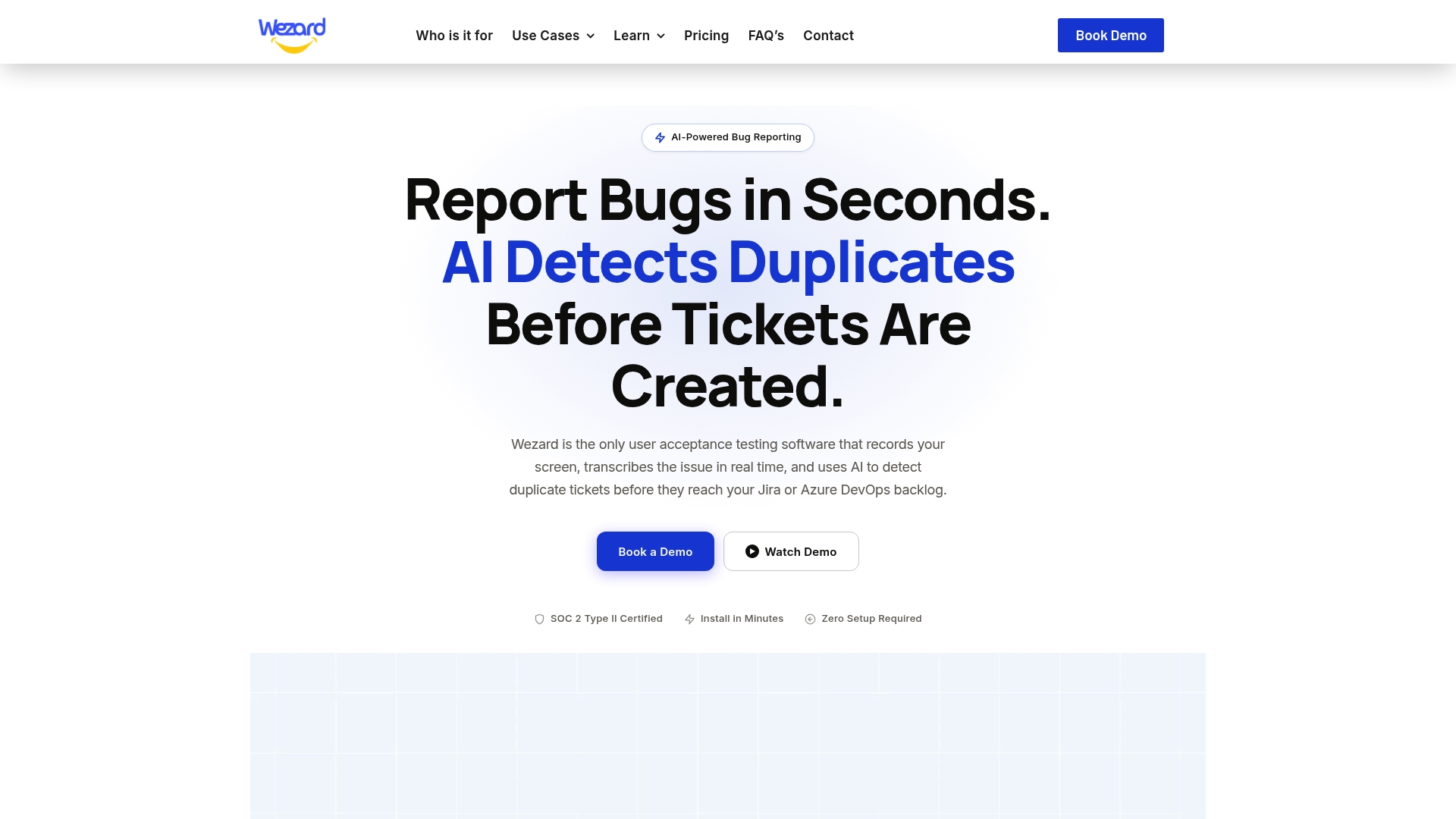
Wezard is UAT software that records the screen, transcribes the issue in real time, and uses AI to detect duplicate tickets before they reach your Jira or Azure DevOps backlog. Testers can create tickets by voice or video, follow a guided submission, and attach screenshots and files. Tickets go directly into your backlog through the Jira integration or the Azure DevOps integration, and ServiceNow is supported too. Our own figure is a reduction in duplicate noise of up to 40% compared with manual processes or basic feedback tools. Security includes SOC 2 certification and SSO.
Plans are published on the pricing page: Starter at $25 per month, Team at $70 per month, Business at $160 per month, and Enterprise with custom pricing. If you want to see how it fits a testing cycle, start with the UAT testing feedback tool.
Our view: the best duplicate is the one never filed
Teams talk about vector search as if the hard part is the math. In our experience of building UAT tooling, the hard part is the input. A one-line ticket gives any similarity method very little to work with, however clever the index.
That is why we start at the tester. When a business user records the screen and talks through the problem, the ticket arrives with the steps and the words already attached. Our AI then checks that report against what is already in the backlog before the ticket lands in Jira or Azure DevOps.
We think this is the right place for duplicate detection: at capture, where the tester can still say “yes, that is my bug” and add to an existing ticket. It keeps the backlog honest, keeps priorities from being skewed by repeat reports, and gives the analyst back the Friday afternoon they used to spend merging.
Marketing
FAQ
Is vector search the same as semantic search?
In ticket systems the two terms are used almost interchangeably. Semantic search is the goal, finding results by meaning, and vector search is the technique that delivers it by comparing embeddings. Hybrid setups add keyword matching and filters on top.
Do I need a vector database to find duplicate tickets?
Not necessarily. Published examples use dedicated vector stores, approximate-nearest-neighbor libraries and cloud services, but for a UAT team the simpler route is a testing platform that already includes duplicate detection at intake. That way analysts work with flagged matches instead of maintaining an index.
What similarity threshold should I use?
There is no universal number. Published projects use anywhere from about 0.88 to 0.95, and one open-source tool uses a review band of 65% to 90%. Label a sample of your own duplicate pairs, test several thresholds, and send borderline matches to a person.
Can vector search catch duplicates with different wording?
Yes, that is its main strength. A report saying “form won’t save” and one saying “submit does nothing” can land close together even with no shared words. It is weaker on exact identifiers like error codes, so pair it with keyword matching and filters for those.
Should duplicates be merged automatically?
Only the clear-cut ones. High-confidence matches can be linked automatically, but mid-confidence ones deserve human review because similar tickets can describe different environments or root causes. Log every merge so it can be reversed.
Sources
- What is Vector Search? (Databricks)
- What is vector search? (Helix DB documentation)
- What is hybrid search? (Helix DB documentation)
- U.S. Patent Application 20250077487, Software Quality Ticket
- Engineering a Semantic Triage Engine at Scale (DZone)
- KnowledgeForge: mining gold from the ITSM ticket graveyard (AWS)
- Juno445/Similar-Tickets (GitHub)