Duplicate management in backlogs works best as a repeatable workflow, not a periodic cleanup sprint: detect candidates, triage them against a clear checklist, pick one canonical item, preserve everything useful from the rest, link and close with a comment, then notify the reporter. Automation can speed up detection, but it should only recommend matches, never delete or close tickets on its own. The sections below walk through each step in order.
TL;DR:
- Detecting duplicates early during ticket creation reduces manual work and preserves relevant context, making backlog management more efficient.
- Automated detection tools should only suggest matches, with human review confirming whether tickets are truly duplicates based on reproduction steps and discussion threads.
- Prioritizing the retention of tickets with the clearest steps and ongoing discussions over the oldest ticket improves triage accuracy and reduces rework.
- Striking a balance between automated high-confidence merges and manual review stages helps prevent errors and maintains stakeholder trust during bulk cleanup.
- Regular audits and owner responsibility, combined with real-time detection at submission, minimize duplicate buildup and improve backlog health over time.
Table of Contents
- Why Duplicate Tickets Quietly Wreck Backlog Health
- How Do You Identify Duplicate Candidates in a Backlog?
- Choosing the Canonical Ticket and Preserving What Matters
- Can AI Safely Automate Duplicate Detection?
- Running a Bulk Cleanup Without Wrecking the Backlog
- How Often Should Teams Audit for Duplicates?
- A Product Lead’s Take on the Cleanup Sprint Trade-Off
- How Wezard Fits the Detect-Before-Submit Workflow
- Sources
- FAQ
Why Duplicate Tickets Quietly Wreck Backlog Health
A backlog full of duplicates lies to you. It inflates the count of “open work” without adding real scope, which buries genuine priorities under noise that looks urgent but isn’t. Every duplicate that survives triage costs someone time twice: once to log it, once to figure out it’s already logged.
That rework compounds. Academic research on duplicate bug reports found that unresolved duplication increases the maintenance effort teams spend just sorting signal from noise, independent of the actual fix work involved.
The visible symptoms show up fast once you look for them:
- Sprint planning meetings spent debating priority on an issue that’s already scheduled under a different title
- Developers fixing the same root cause twice because two tickets never got linked
- Reporters losing trust when their “new” bug turns out to be six months old
- Dashboards overstating backlog size, which skews velocity and burndown metrics
Pro Tip: If your backlog has grown significantly in a quarter without a matching rise in shipped features, duplicate accumulation is a likely suspect worth auditing first.
How Do You Identify Duplicate Candidates in a Backlog?
Duplicate detection happens in two places, and skipping either one leaves gaps. Pre-submission suggestion catches likely duplicates the moment someone starts typing a new ticket, before it ever hits the backlog. Post-submission scanning sweeps the existing backlog on a schedule, catching duplicates that pre-submission checks missed or that predate the tool entirely.
A workable search strategy narrows scope before it broadens it:
- Search open and closed issues together. GitLab’s own triage process treats closed tickets as fair game for matching, since a “fixed” bug can resurface under a new title.
- Build queries from title keyword groups rather than exact phrase matches. A narrow JQL or saved filter on component plus keyword catches paraphrased reports that exact-match search misses.
- Pull the first page of results and scan titles, not just the top hit. The right match is rarely the first item, and treating GitLab’s issue triage guidance as a baseline, the best canonical candidate is the one with the clearest title, description, and discussion thread, not necessarily the oldest.
Once you have candidates, a human reviewer checks reproduction steps, version and environment, impacted users, and any attachments before touching the classification. That review sorts each candidate into one of four buckets: Match (close as duplicate), Similar (link but keep both open), Distinct (no relationship), or Uncertain (flag for a second reviewer). This taxonomy, drawn from the same GitLab handbook, keeps triage decisions consistent across people and sprints.
Choosing the Canonical Ticket and Preserving What Matters
Picking the survivor is the one decision people get wrong most often, usually by defaulting to “keep whichever ticket is oldest.” Age is a weak signal. The stronger rule, backed by GitLab’s triage practice, is to keep the ticket with the clearest reproduction steps and the most useful discussion thread, then fold everything else into it.
Before you close anything, do the unglamorous preservation work:
- Copy attachments, screenshots, and logs from the duplicate into the canonical ticket
- Merge any reproduction steps the duplicate captured that the canonical item lacks
- Reassign or copy sub-tasks so nothing gets orphaned when the duplicate closes
- Note the duplicate’s original reporter so they can be added to the canonical item’s followers
Google’s Issue Tracker formalizes part of this: marking an issue as a duplicate closes it, records the relationship, and automatically adds the original reporter and collaborators to the canonical issue’s CC list, so they still see progress. Azure Boards handles the same idea differently, using explicit Duplicate and Duplicate Of work item links that keep the cluster queryable long after closure.
Pro Tip: Standardize a closing comment template naming the canonical ticket key. A five-second comment saves a reporter from filing the same bug again next month.
Comment before you close, every time. A short note explaining why the ticket is a duplicate and linking the canonical item, paired with an invitation to follow that item instead, measurably reduces resubmission according to practical triage automation patterns.
Can AI Safely Automate Duplicate Detection?
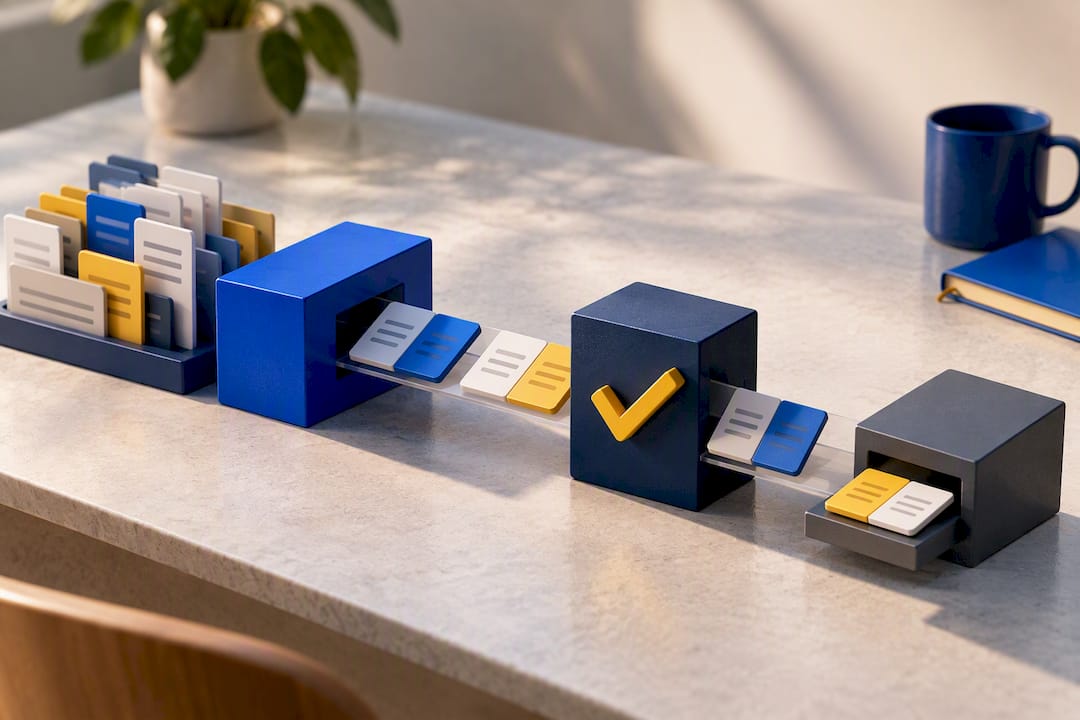
AI can flag likely duplicates faster than any human scanning JQL results, but it should never close a ticket on its own. The safe pattern separates three stages: candidate generation, human classification, and write execution, so a suggestion never becomes a closure without someone approving it.
Semantic similarity scoring is a hint, not a verdict. A model can rank two tickets as 90% similar and still be wrong about intent, especially when descriptions are short or fragmented, which academic research on duplicate bug report detection identifies as a consistent failure mode. Real-time recommendations at submission time catch a meaningful share of duplicates before they’re even filed, while batched post-submission scans mop up what slips through.
For the interface itself, a few elements separate a trustworthy tool from a risky one:
- Matched-field highlights showing exactly which text triggered the match
- A visible confidence score, not just a binary “duplicate” flag
- An undo or reopen path for every automated action
- A permanent audit log recording who approved what and why
Bias is real here too. Detection models trained on historical tickets inherit whatever quirks that issue tracker’s history has, a limitation the same DBRD research calls ITS bias, alongside a tendency to favor older, better-documented tickets over newer ones that may actually be clearer.
Running a Bulk Cleanup Without Wrecking the Backlog
A backlog with hundreds of accumulated duplicates needs a staged approach, not a single sweep. Splitting by confidence level keeps the fast wins fast and keeps the risky calls in human hands.
- Stage 1, high confidence. Auto-annotate exact or near-exact matches (same title, same steps, same component) and close them in bulk with the standardized comment template. Reserve this for matches above whatever confidence threshold your team trusts unattended.
- Stage 2, medium confidence. Route these to paired triagers working from a side-by-side view of both tickets. Two sets of eyes catch the “similar but actually distinct” cases that automation alone would mishandle.
- Stage 3, low confidence. Quarantine these in a holding queue for manual investigation later. Don’t force a decision just to clear the queue.
| Stage | Volume handled | Timeline | Review model |
|---|---|---|---|
| High confidence | Bulk, the majority of duplicates | Days 1 to 2 | Automated, spot-checked |
| Medium confidence | Moderate | Week 1 | Paired human review |
| Low confidence | Smallest | Ongoing | Manual investigation |
Build in a rollback checkpoint after Stage 1. If even a handful of high-confidence closures turn out wrong, pause before running Stage 2 rules against the same logic.
How Often Should Teams Audit for Duplicates?
Duplicate management in backlogs breaks down fastest when nobody owns it. A workable cadence layers three checks: pre-submission suggestions running continuously, a weekly triage pass on new tickets, and a monthly audit sweeping the whole backlog for drift.
Four numbers tell you whether the system is working:
- Duplicate rate: percentage of new tickets flagged as duplicates on submission
- Time-to-canonical: how long a duplicate sits open before it’s linked and closed
- Percent closed within window: share of flagged duplicates resolved inside your target SLA
- Triage hours per week: the actual labor cost of keeping the backlog clean
Someone needs to own this, with the permissions to merge, link, and close, plus a documented escalation path for the “uncertain” bucket that classification can’t resolve alone. Weigh the tradeoff honestly: manual triage scales linearly with backlog size, while automation investment pays off mainly once volume justifies the setup cost.
A Product Lead’s Take on the Cleanup Sprint Trade-Off
The instinct to automate everything at once is the fastest way to lose reporter trust. A staged rollout, high-confidence merges first, human review second, quarantine last, lets you measure impact before you scale exposure. Speed versus accuracy isn’t a debate to settle once. It’s a dial you adjust as your confidence in the detection signal grows.
— Marketing
How Wezard Fits the Detect-Before-Submit Workflow
Wezard pairs screen recording with real-time AI transcription, so a tester describes a bug out loud while the tool captures the reproduction steps automatically, and its AI checks for duplicate tickets before anything ever reaches your Jira, Azure DevOps, or ServiceNow backlog.

That detect-before-submit step matters because it front-loads the work the rest of this guide describes: candidate generation happens at the moment of reporting, not weeks later in a bulk cleanup. Enriched tickets arrive with context already attached, reducing the manual preservation work triagers usually do by hand, and every recommendation stays logged for audit, matching the gated, human-approved pattern good automation requires. Teams cleaning up an existing Jira backlog or wiring in Azure DevOps sync can start with a trial. Current pricing details are available on the pricing page at Wezardapp.
Sources
- Mark a duplicate issue | Google Issue Tracker
- Issue triage | The GitLab Handbook
- Duplicate Bug Report Detection: How Far Are We?
- Copy, link, and clone work items | Azure Boards
- genai-issue-deduplicator (repo / marketplace)
FAQ
What Is a Best Practice for Managing Duplicate Records?
Search both open and closed records using keyword-based queries, then have a human confirm the match against reproduction steps, version, and environment before closing anything. Preserve attachments and context from the record being closed, and always link the duplicate to its canonical record rather than deleting it outright.
What Are the Main Types of Backlogs Teams Manage?
Most teams work with a product backlog (feature and enhancement requests), a sprint backlog (work committed to the current iteration), a bug or defect backlog, and a technical debt backlog. Duplicate accumulation tends to hit the bug and product backlogs hardest, since reports and requests arrive from many channels at once.
What Are the Limitations of Automated Duplicate Rules?
Automated matching rules struggle with short or fragmented descriptions, and they inherit whatever bias exists in the historical data they’re trained or configured on, including a tendency to favor older, well-documented tickets. Research on duplicate bug report detection confirms these tools work best as a recommendation layer with mandatory human review, not a standalone decision-maker.
How Do You Manage a Backlog to Prevent Duplicate Build-Up?
Run pre-submission duplicate checks at the point of ticket creation, hold a weekly triage pass on new items, and audit the full backlog monthly for drift that slipped through. Assign one owner with merge and close permissions, and track duplicate rate and time-to-canonical so you catch build-up before it becomes a bulk cleanup project.
Does Wezard Detect Duplicates Before Tickets Reach My Backlog?
Yes. Wezard’s AI screens for likely duplicates during ticket creation, using the screen recording and transcription captured at report time, before anything syncs to Jira, Azure DevOps, or ServiceNow. Current plan pricing is listed at Wezardapp.