Managing user acceptance testing runs, bug reports, and compliance evidence often turns chaotic without streamlined tools. Most popular platforms lack features like AI driven automation, duplicate detection, or audit ready reports for seamless feedback and ticket handling. The article lists four user acceptance testing software alternatives with their strengths and weaknesses so teams can select one that fits their workflow, integrations, and compliance needs.
Table of Contents
Wezard
At a Glance
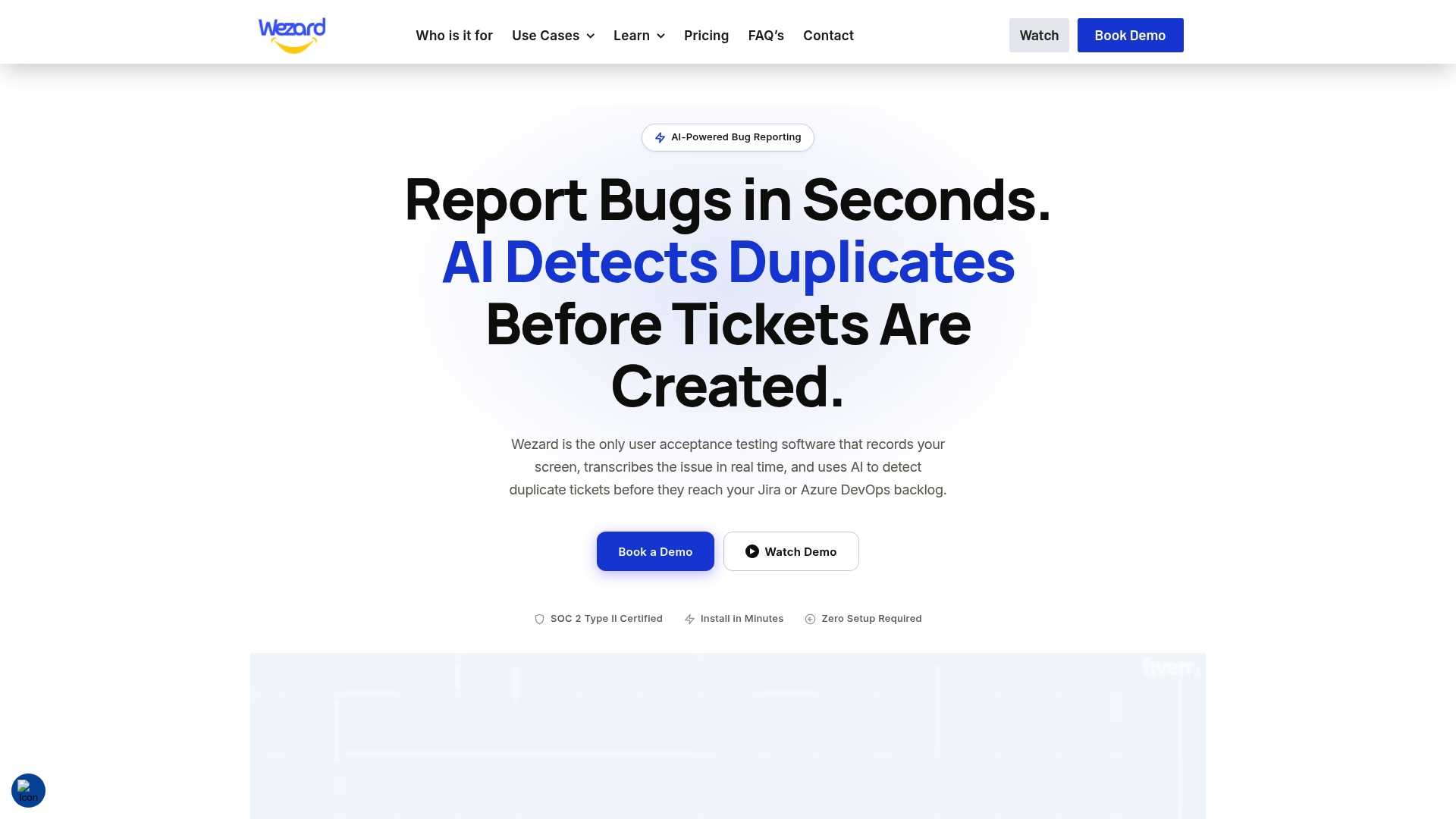
It records your screen and transcribes voice and video in real time. The tool detects duplicate tickets and prevents noisy issues from reaching Jira or Azure DevOps. That workflow reduces manual triage and keeps issue trackers cleaner during UAT and QA cycles.
Core Features
Wezard captures rich media with screen recording, screenshots, and in session annotation while collecting environment data such as browser, OS, and URL. The product offers customizable report forms and an in app widget for submitting feedback during user acceptance testing. It also supports role based access control, single sign on, and enterprise security through SOC 2 compliance.
Key Differentiator
Wezard centers on automatic transcription and deduplication that operate while testers record sessions. The transcription turns spoken steps into searchable text and structured tickets. The deduplication engine merges repeat reports before they reach backlog systems.
Pros
AI powered transcription turns spoken feedback into clear, editable text that speeds developer handoffs. Duplicate detection reduces noise on Jira and Azure DevOps boards so triage teams spend less time merging repeats. The SOC 2 compliant infrastructure and SSO support make Wezard suitable for enterprise security requirements while the in app widget simplifies collecting feedback from non technical stakeholders.
Cons
- May be complex to set up initially for non technical teams.
Notable Integrations
- Jira
- ServiceNow
- Azure DevOps
Who It’s For
Product teams at large companies, QA groups, and UAT coordinators who need richer bug context and fewer duplicate tickets. Teams that already use Jira, ServiceNow, or Azure DevOps will get the most immediate value. Smaller startups with limited budgets may find the platform more than they need.
Unique Value Proposition
Real time transcripts plus pre merged tickets let engineering receive clearer, cleaner work items. That changes the handoff from QA to development by reducing back and forth on unclear steps. Teams that bill time for triage will recover hours previously spent merging and clarifying reports.
Real World Use Case
A multinational SaaS company records UAT sessions, gets live transcripts, and tags environment data automatically. Duplicate bug reports are detected and merged before the team exports issues to Jira. The result is fewer redundant tickets and faster release gate decisions.
Pricing
Pricing starts at $25.00 per month for the Starter plan. Tiered plans exist for teams and enterprises with custom pricing for large deployments.
Website: https://wezardapp.com
Quellit
At a Glance
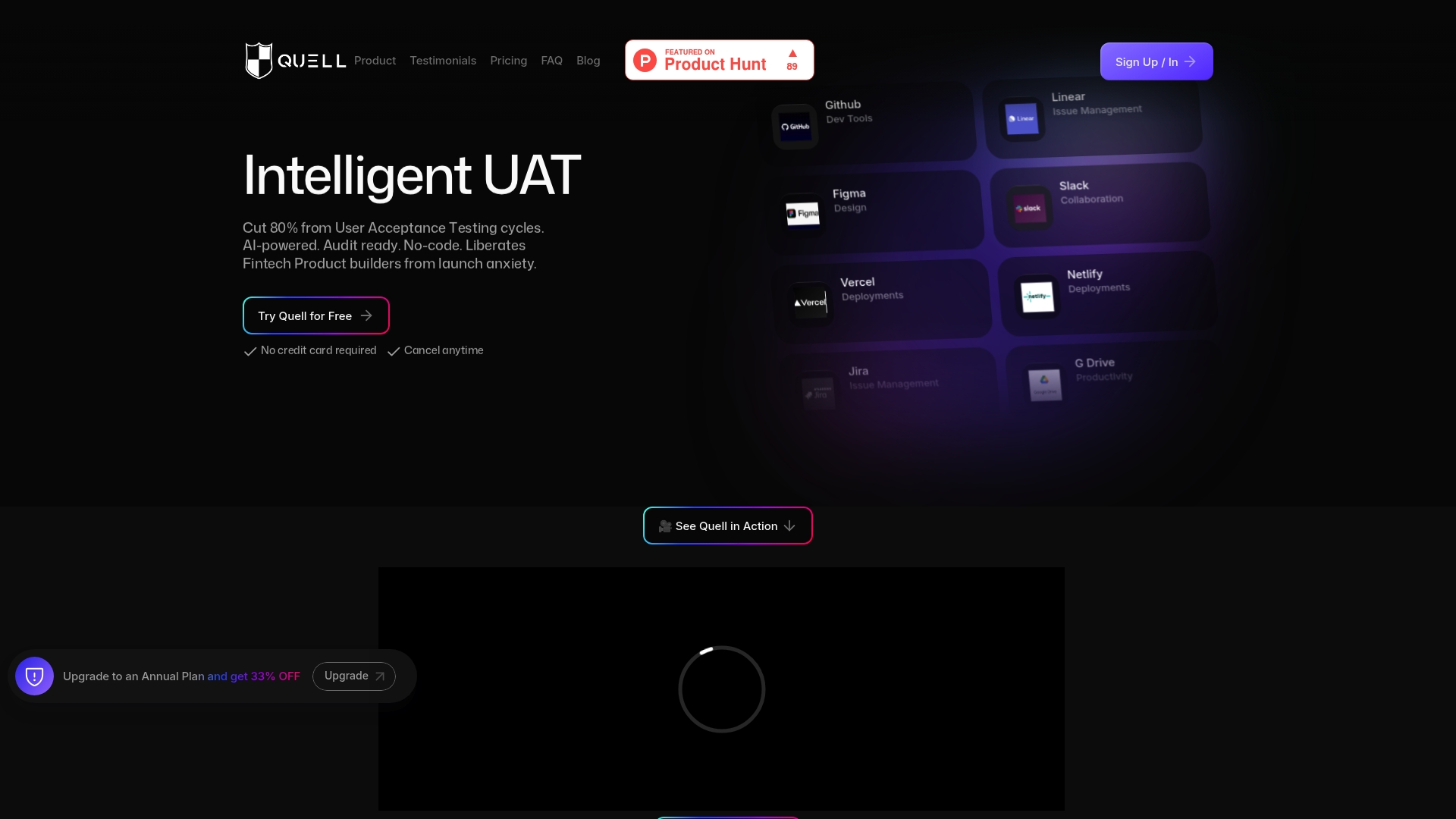
Quell reports UAT cycles reduced by up to 80%. That figure comes from the vendor and describes the platform’s automation focus. Quell targets fintech and product teams by automating test case creation and producing audit ready documentation including screenshots and video.
Core Features
Quell offers an AI powered, no code engine that auto generates and executes test cases from acceptance criteria. The platform captures automatic screenshots and video for every run and ties results back to issue trackers. It also supports real time feedback and compliance validation while integrating with common developer and collaboration tools.
Key Differentiator
Quell’s single distinguishing feature is its focus on combining AI driven test automation with built in compliance evidence. The product generates audit ready reports that include visual proof of test execution. That approach positions Quell more as a compliance oriented UAT automation tool than a general purpose test runner.
Pros
Quell speeds manual UAT through automation and by removing the need to hand craft each test. The integrations with GitHub, Jira, Linear, Slack, Figma, Vercel, and Netlify keep test triggers and results inside existing workflows. Quell also stores audit ready reports and offers a no code interface so non technical product people can review and replay test runs.
Cons
-
Specific third party reviews are not available. This makes independent validation of long term reliability harder to find.
-
Pricing may be a constraint for smaller teams or early stage startups. The listed tiers are inexpensive at the entry level, but enterprise costs are custom.
-
Limited information on scalability or enterprise features. Larger engineering organizations may want clearer details on role based controls and deployment options.
Notable Integrations
- GitHub
- Jira
- Linear
- Slack
- Figma
- Vercel
- Netlify
Who It’s For
Product teams, QA engineers, compliance officers, and developers in fintech and regulated software delivery will get the most value. Teams that must produce audit evidence during releases benefit from the platform. Organizations that want non developers involved in acceptance testing also fit well.
Real World Use Case
A fintech startup connects Quell to Jira and GitHub so pull request status triggers UAT runs. The platform generates tests from acceptance criteria and records video for each failing flow. The team uses the audit ready output to speed regulatory review and shorten release cycles.
Pricing
Starter starts at $19/mo for basic usage. Growth is $39/mo and adds broader test capacity and integrations. Enterprise pricing is custom and requires a booked demo for a tailored quote.
Website: https://quellit.ai
Xray Test Management for Jira
At a Glance
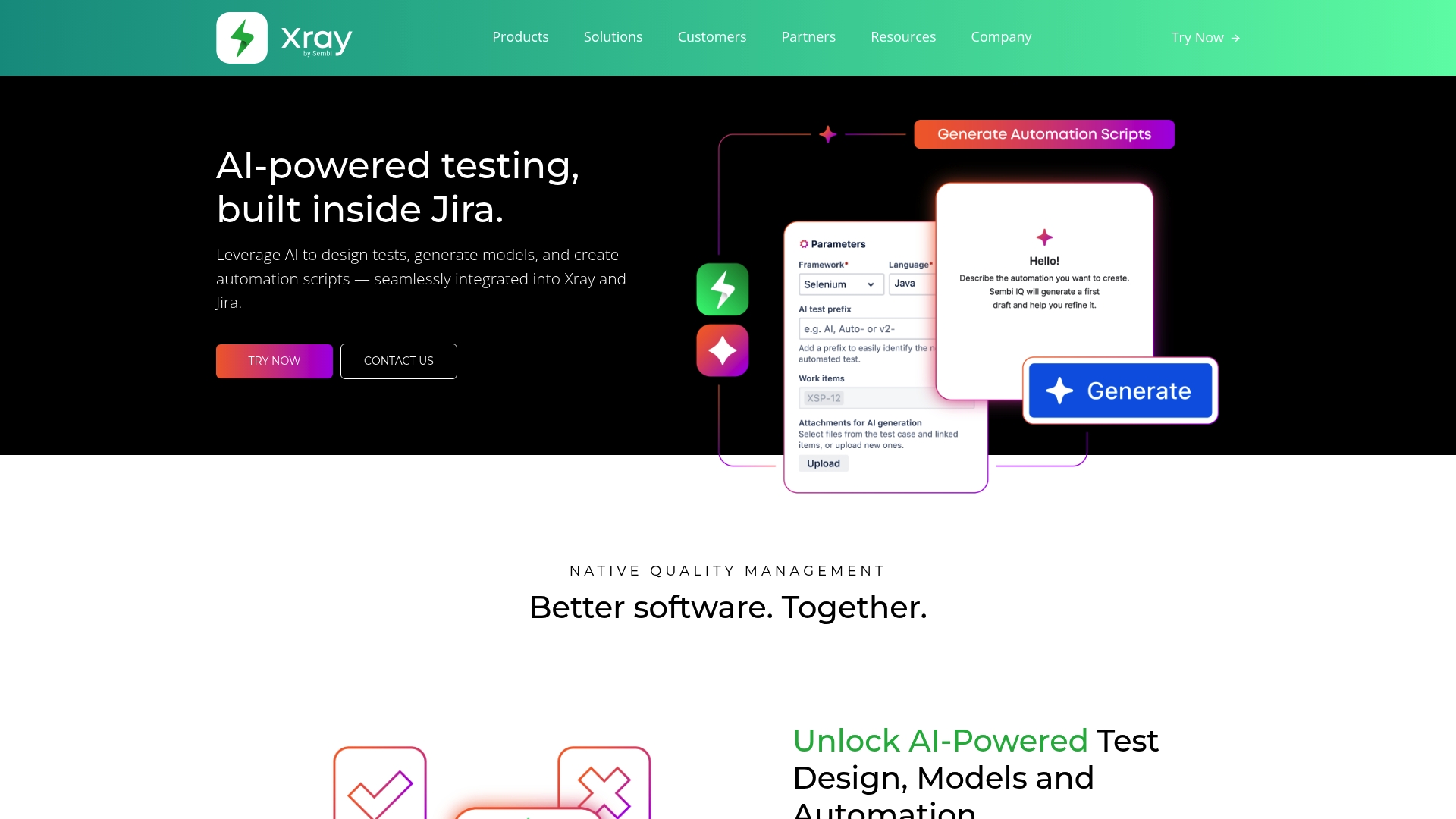
Xray reports use by thousands of companies and management of millions of test cases. That scale shows up in public client mentions such as BMW and Tesla. The product centers AI powered testing directly inside Jira to keep test work next to development work.
Core Features
Xray pairs AI driven test design with automation script generation so teams can produce test artifacts from within Jira. It offers visual test models via Xray Enterprise and links requirements to tests for traceability across the development lifecycle. Coverage gap detection and unified development and QA workflows complete the baseline feature set.
Key Differentiator
Xray embeds AI powered test design and automation directly inside Jira. This placement reduces context switching between issue tracking and test work. That tight embedding speeds test creation and helps expand coverage while remaining inside the Atlassian toolchain.
Pros
Integration with Jira and the wider Atlassian ecosystem is a core strength and simplifies adoption for teams already on that stack. AI automation accelerates test creation and helps reveal coverage gaps that teams would otherwise miss. The product encourages collaboration by keeping test cases, requirements, and execution results in the same project. High profile client references and a broad global install base show it supports larger organizations.
Cons
- Pricing details are not publicly specified, so budget planning may require vendor contact.
- Public pages indicate possible page errors that limit access to full feature documentation.
- Limited public information on customization and scalability beyond enterprise features makes capacity planning harder.
When It May Not Fit
Small teams on tight budgets that need transparent, self serve pricing may find Xray a poor fit. Teams that require extensive public documentation for evaluation could struggle if page errors persist. Organizations needing highly customizable test systems outside Atlassian might find the integration model restrictive.
Notable Integrations
Xray integrates with Jira Software and the broader Atlassian ecosystem. These connections keep test artifacts, issues, and reporting inside existing Jira projects and boards.
Who It’s For
Software teams that already use Jira and want test management inside their issue tracker will find Xray relevant. Teams focused on combining manual tests, BDD, and automation inside one workflow benefit most. Organizations that plan enterprise scale test case management and cross team collaboration will see the most value.
Real World Use Case
A multinational software company uses Xray to run automated and manual tests inside Jira projects across many locations. Test results, linked requirements, and coverage reports live beside development tasks. That arrangement reduced reporting friction and improved cross team visibility.
Pricing
Public pages do not list tiered pricing or a self serve cost model. The site marks pricing as Not applicable and provides no public numbers, so you must contact the vendor for quotes and licensing options.
Website: https://getxray.app
TestMonitor
At a Glance
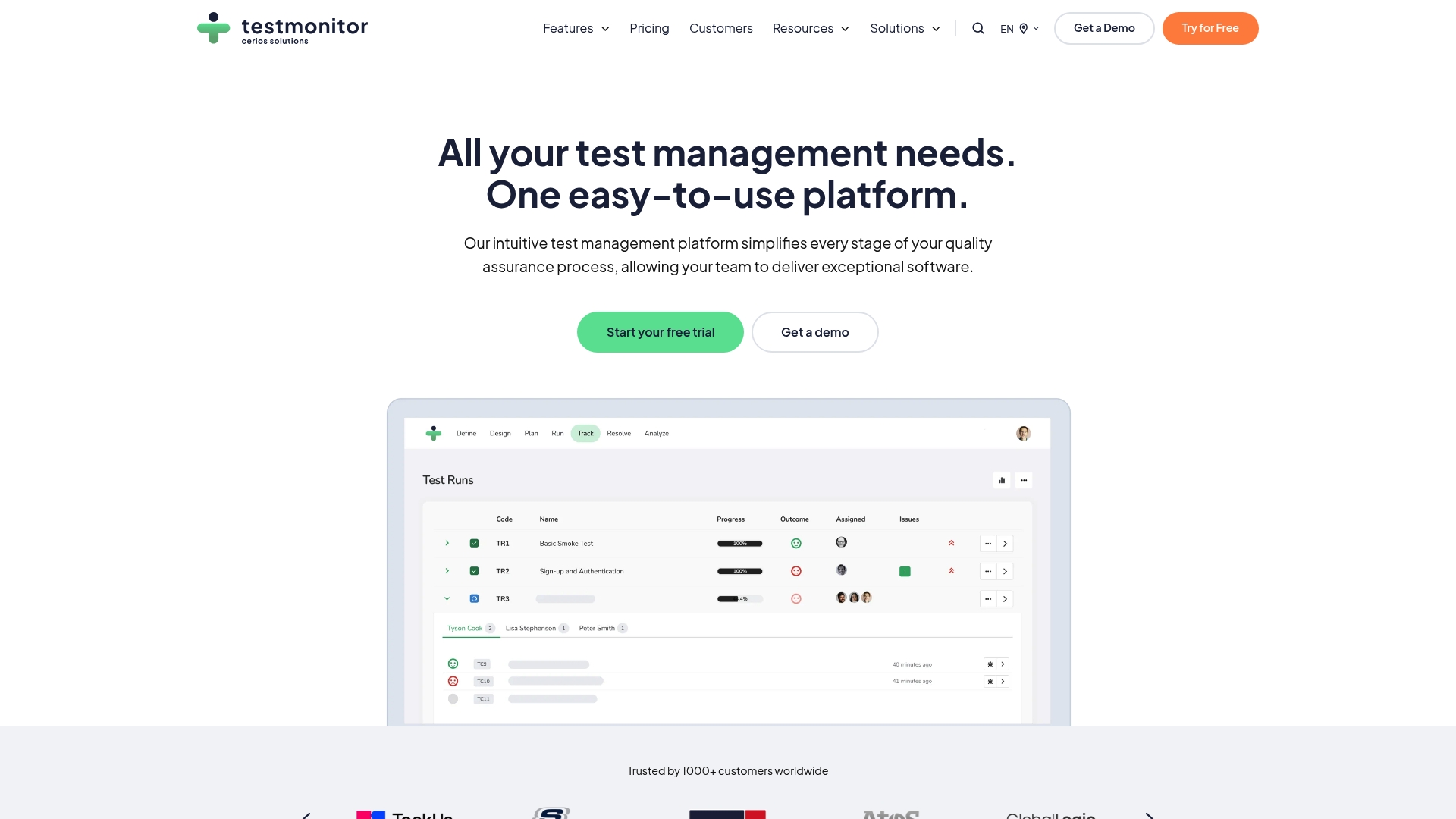
TestMonitor reports more than 1,000 customers worldwide. The vendor also states compliance with ISO 27001 in its marketing materials. That scale and the compliance claim show up in enterprise features such as role based access, auto backups, and customizable domains.
Core Features
TestMonitor centralizes test case management with folder support and milestone, sprint, and test run planning. It combines professional test execution with requirement and risk management and includes built in, customizable reports and real time dashboards. The platform also advertises support for automation tools such as Selenium, Playwright, and JUnit and integrations with issue trackers and collaboration apps.
Key Differentiator
The platform focuses on enterprise readiness while keeping the interface approachable for smaller QA teams. That means role based access controls, customizable branding and domains, and auto backups that larger organizations expect. The vendor positions those elements alongside integrations so teams can plug testing into existing development workflows.
Pros
The interface is user friendly, which makes onboarding new testers faster and reduces friction between QA and product teams. Integrations with tools like Jira, Azure DevOps, Slack, and Asana let you link requirements, issues, and notifications without manual exports. Built in reporting and real time dashboards reduce time spent compiling status updates for stakeholders. Enterprise features such as the compliance claim above and domain branding help IT and security teams agree on deployment and governance.
Cons
- Pricing may be expensive for smaller teams or startups.
- Available marketing materials give limited detailed information on automation feature depth.
- Some third party reviews mention challenges with complex workflow customization.
When It May Not Fit
Teams that need a free forever plan with advanced automation hooks will likely find the pricing and available automation detail limiting. Organizations that require deep, documented automation APIs or granular customization examples may need to evaluate automation depth before committing. Small startups with tight budgets should factor per user fees into their projections.
Notable Integrations
- Jira
- Azure DevOps
- Slack
- Asana
- Playwright
- Selenium
- Microsoft Teams
Who It’s For
Software testers, QA managers, and development teams that need a centralized test case management system will benefit most. Enterprise IT groups that require role based access and compliance controls will find the platform aligned with their governance needs. Teams that already use Jira or Azure DevOps will appreciate the ready integrations.
Real World Use Case
A QA team uses TestMonitor to plan test sprints, store test cases in folders, and run mixed manual and automated test runs. The team links failing tests to Jira issues, shares dashboards with product managers, and exports customizable reports for release reviews. That workflow shortens the feedback loop between QA and engineering.
Pricing
Plans include a free trial and per user subscriptions. Tiers list Starter $13/user/month and Professional $18/user/month, with Enterprise available at custom pricing. Monthly and annual billing options are offered, and the vendor advertises tailored enterprise quotes.
Website: https://testmonitor.com
Comparison of alternatives
Real-time transcription capability and workflow optimization define substantial distinctions across the evaluated User Acceptance Testing platforms.
Differentiation by workflow efficiency
Wezard surpasses its competitors in integrating automatic real-time transcription of user feedback and deduplication mechanisms directly during testing sessions. This feature allows QA teams to produce clearer reports and minimize redundant data entry. Contrarily, platforms such as Xray focus on embedding test management workflows inside ecosystem tools like Jira, excelling at enhancing integrated test artifact management.
Compliance and documentation strengths
Quellit distinguishes itself with its focus on audit-ready documentation generation. Teams in regulated industries benefit from automated report creation ensuring compliance with standards. This capability is among the alternatives, making Quellit especially suitable for environments with stringent documentation demands. TestMonitor aligns QA collaboration via intuitive reporting and dashboard inclusions but offers less compliance-oriented functionality compared to Quellit.
Best fit
- Teams requiring enhanced testing workflows will gain value from Wezard, which effectively organizes test data through automation.
- Organizations prioritizing compliance deadlines and audit-ready reports will benefit from Quellit.
- Businesses heavily integrated into Jira ecosystems should choose Xray Test Management for Jira.
- Enterprise testing teams prioritizing role-based access and compliance standards may find TestMonitor fitting their needs.
Our pick
Wezard excels when teams require solutions that bring together transcription accuracy and duplicate prevention within UAT workflows. Its ability to process data in real-time reduces QA to development misunderstandings. While other platforms provide significant benefits, smaller startups or organizations emphasizing audit compliance might find other options more fitting.
For teams seeking a user acceptance testing platform, consider the following options based on their key differentiators and suitable applications:
| Product | Key Differentiator | Pricing | Best For | Notable Limitation |
|---|---|---|---|---|
| Wezardapp | Automatic transcription for bug reports | From $25/month | Large teams with Jira use | Initial setup may require technical expertise |
| Quellit | Compliance-ready audit reporting | From $19/month | Fintech compliance needs | Limited scalability information for large organizations |
| Xray Test Management for Jira | Embedded AI test management in Jira | Price not published | Large-scale teams using Jira | Lack of detailed public documentation for feature analysis |
| TestMonitor | Enterprise-specific test case management | From $13/user/month | Enterprise IT teams | Limited information on automation capabilities |
Why Managing User Feedback Efficiently Matters for Bandcamp.com Alternatives
Bandcamp.com alternatives often face challenges handling high volumes of user feedback and bug reports during testing. Teams need clear, real-time issue transcription and duplicate ticket detection to keep development boards organized. Wezardapp tackles these pain points by recording your screen, transcribing issues live, and using AI to merge duplicate tickets before issues reach your Jira or Azure DevOps backlog.

Product teams, QA groups, and UAT coordinators can reduce noise and save hours spent on manual triage. Visit Wezardapp to see how automated transcription and deduplication simplify user acceptance testing and improve feedback quality. Try Wezardapp now to clean your issue tracker and speed release decisions.
FAQ
What are the benefits of using Wezardapp for user acceptance testing?
Wezardapp provides automatic transcription and deduplication during testing sessions. The tool turns spoken feedback into searchable text and structured tickets, helping triage teams manage reports more efficiently. Readers should consider using Wezardapp for a streamlined handoff process to developers.
How does Wezardapp compare to Quell regarding automation features?
Quell excels in automating test case creation from acceptance criteria, making it an excellent choice for teams that prioritize compliance documentation. Wezardapp, on the other hand, focuses on real-time transcription and deduplication, which is valuable for reducing overlaps in defect reporting. Teams that need clearer bug context should choose Wezardapp.
Can Wezardapp help with role-based access control?
Yes, Wezardapp supports role-based access control within its features. This allows companies to manage user permissions effectively, which is essential for maintaining security and workflow efficiency. Teams looking for enterprise security should consider Wezardapp’s SOC 2 compliant infrastructure.
What pricing tiers does Wezardapp offer?
Wezardapp starts at $25.00 per month for the Starter plan, which is suitable for small teams. Other tiered plans are available for larger teams and enterprises, offering custom pricing based on specific needs. Potential users should evaluate their team size to choose the right plan.
Is Wezardapp suitable for smaller startups?
Wezardapp may be more than some smaller startups need, particularly if they have limited budgets. The platform is designed to accommodate larger teams and enterprises, so startups should assess whether its features align with their requirements.