If your proof-of-concept captured someone’s email, session cookie, or a live API token, stop sharing that evidence anywhere public immediately. Redact the local copy and the file you’re about to submit, swap real values for clear placeholders, and send it through the program’s secure intake channel rather than a public tracker. If the exposed data looks like PHI or other regulated information, flag it to triage right away instead of waiting for a response.
TL;DR:
- Most sensitive data in bug reports resides in headers, URLs, request bodies, console logs, and attachments, requiring careful scanning before sharing.
- Redaction should be allowlist-based, masking all fields except known safe ones, with URL parameters and headers redacted while preserving context.
- Before submitting, verification must confirm that placeholders do not break reproduction, ensuring no sensitive data remains visible or accessible.
- Public channels are unsafe for reporting with PII; use secure, encrypted methods and include a note about redaction to protect privacy.
- Automated tools like Wezardapp help prevent PII from ever being captured, streamlining privacy compliance and reducing manual redaction efforts.
Table of Contents
- How to Spot PII and Secrets in Bug-Report Artifacts
- Redacting Evidence Without Breaking the Repro Steps
- Reporting Safely: Secure Intake and Triage Practices
- When PHI or Regulated Data Shows Up: HIPAA Escalation
- Tools and Automation: What Works and Where It Breaks
- Why Privacy-First Reporting Makes Bugs Easier to Fix, Not Harder
- A Capture Tool That Redacts Before PII Ever Gets Saved
- Sources
- FAQ
How to Spot PII and Secrets in Bug-Report Artifacts
PII covers anything that identifies a real person: full names, emails, phone numbers, home addresses, government ID numbers. In web app testing, you’ll also run into secrets that deserve the same caution even though they’re not technically “personal” data: JWTs, API keys, session cookies, and bearer tokens. A leaked token is often worse than a leaked email, because it grants access rather than just identity.
The trouble is these things hide in places researchers don’t always think to check. Run through this before you attach anything to a report:
- Headers — Authorization and Cookie headers almost always carry live session tokens.
- URLs and query parameters — password reset links, auth codes, and user IDs frequently ride in the URL bar.
- Request and response bodies — API payloads often return more fields than the UI displays, a pattern OWASP catalogs as excessive data exposure in its API security guidance.
- Console logs and local storage — developers debug with real data more often than they should.
- Screenshots, screen recordings, and file attachments — the easiest place to forget a visible email or a name field in the background.
Scan in that order: headers first, then URL parameters, then attachments last, since attachments take longest to review frame by frame.
Pro Tip: Treat any long base64-looking string or anything starting with “Bearer” as sensitive by default. You don’t need to decode it to know it’s compromised the moment it leaves your machine.
Redacting Evidence Without Breaking the Repro Steps
Denylist redaction (searching for known bad patterns) misses things you didn’t think to search for. Allowlist redaction flips the logic: you decide what’s safe to keep, and everything else gets masked by default. It’s slower to set up but catches far more, since you’re not relying on guessing every possible PII format in advance.
A practical redaction pass looks like this:
- Redact URLs by keeping structure, not values. Leave parameter names and relative paths intact (
?session_id=) but replace the actual value with a placeholder likeREDACTED_SESSION_ID. Triage still needs to see the shape of the request. - Cover screenshots and video, don’t blur them. Solid black boxes or hard crops at capture time work; blur and pixelation are reversible with basic image tools and OCR, which is why Klavity’s redaction guidance recommends solid overlays specifically over blur.
- Strip Authorization and Cookie headers entirely from logs, and mask tokens or Social Security numbers with a consistent placeholder pattern so triage can tell “this was a token” from “this was an SSN” without you retyping the real value.
- Keep a private redaction key. A short note, for your own or triage’s records only, listing what was replaced with what. This isn’t for the public ticket.
Before you submit, replay the steps against your redacted copy. If the bug still reproduces with placeholders in place of the real values, your redaction didn’t remove anything the fix actually needs. If it breaks, you cut too much. That verification step is where most researchers skip corners, and it’s the difference between a useful report and one triage has to bounce back with questions. Any secret that touched your testing session should be treated as compromised the moment it’s captured, whether or not you end up including it in the final report.
Reporting Safely: Secure Intake and Triage Practices
Public issue trackers and open Slack channels are the wrong place for anything containing PII, even redacted PII, because the redaction itself can reveal that sensitive data existed. Use whatever secure channel the program provides: a PGP-encrypted email, a dedicated secure submission portal, or an intake form built for sensitive disclosures. If a program only offers a public tracker and you’ve found regulated data, say so in your first message and ask for a private channel before attaching anything.
A submission that respects both reproducibility and privacy usually includes:
- A redacted screenshot or short recording showing the flow, not the raw data.
- Request/response details with headers and tokens masked, but field names intact.
- A private proof-of-concept, delivered through the secure channel rather than pasted into a comment thread.
- A note stating explicitly: “PII has been redacted from this report; contact me via [secure method] if you need unredacted evidence for verification.”
On the triage side, teams that handle this well restrict access to the raw evidence to a small group, rotate any credentials or tokens that were exposed, log who accessed the report, and escalate immediately if the data turns out to be regulated. If you’re the one triaging and a report lands with unmasked PHI or financial data attached, that access-restriction step should happen before anyone even reads past the first screenshot.
When PHI or Regulated Data Shows Up: HIPAA Escalation
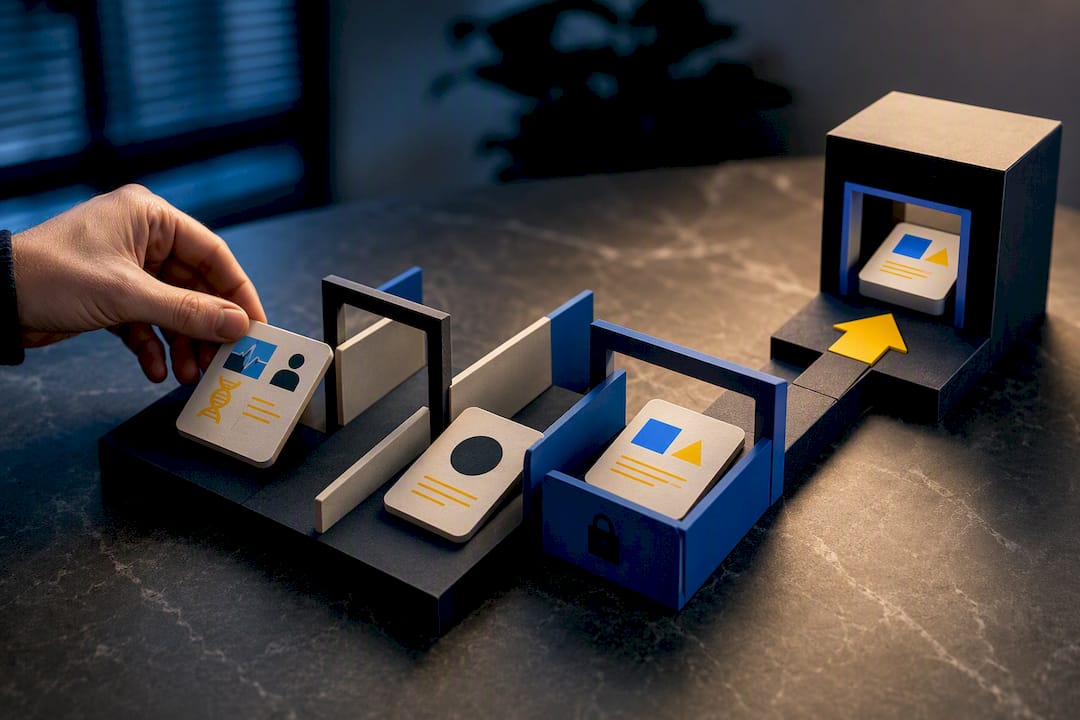
If a bug exposes PHI, protected health information tied to a real patient, stop testing and notify the program’s triage or security team immediately rather than continuing to poke at the vulnerability. HIPAA’s Breach Notification Rule sets specific reporting mechanics that program owners need to move on fast: covered entities must notify HHS when a breach affects 500 or more individuals without unreasonable delay and no later than 60 calendar days after discovery. Breaches touching fewer than 500 people can be rolled into an annual report instead.
For programs and researchers navigating that moment, a few things matter:
- Isolate the evidence immediately, don’t leave it sitting in a shared drive or open ticket.
- Loop in legal or compliance before drafting any external communication.
- Run a risk assessment to determine whether the exposure actually meets the breach threshold.
- Use HHS’s OCR reporting portal if the assessment confirms a reportable breach.
As the researcher, your job ends at secure handoff. Delete local copies of anything resembling PHI once you’ve confirmed the program received it, and document that handoff in writing so there’s a clear record of when the data left your hands.
Tools and Automation: What Works and Where It Breaks
Capture-time controls beat after-the-fact cleanup because there’s nothing sensitive to scrub once you never recorded it. Configuring telemetry with defined piiPaths, for instance including window.location.origin, strips hosting origins from error stack traces while preserving relative paths developers actually need for debugging.
Automated sanitizers fail in predictable ways worth testing for before you trust them:
- Streaming or server-sent-event responses often slip past sanitizers built for single JSON blobs, letting tokens leak across chunk boundaries.
- Feature-flag bypasses can cause a sanitizer to read a static config instead of the live flag, silently disabling redaction in edge cases.
Pro Tip: Unit-test your redaction rules against a streaming fixture, not just a static payload. That’s where most sanitizer bugs actually live. A pre-capture redaction approach, where the recording tool masks fields before anything is saved, avoids most of this entirely since there’s no post-hoc scrubbing step to get wrong.
Why Privacy-First Reporting Makes Bugs Easier to Fix, Not Harder
The instinct to grab as much raw evidence as possible to “prove” a bug works against you. Programs that provide disposable test accounts and synthetic data let researchers demonstrate impact without ever touching a real person’s information, which is a better outcome for everyone. Triage should spell out redaction expectations in the program docs, not leave researchers guessing what’s acceptable. The real fix is capture tooling that redacts by default, so privacy and reproducibility stop being a tradeoff.
— Marketing
A Capture Tool That Redacts Before PII Ever Gets Saved
Wezardapp is built for teams that want the evidence, not the cleanup work that usually comes with it. It records the screen, transcribes the issue as the tester talks through it, and lets you set pre-capture controls so sensitive fields never make it into the recording in the first place, no manual blurring, no cropping after the fact.

That matters directly for the redaction steps above: instead of scrubbing headers and masking screenshots by hand after a bug is found, teams using Wezardapp handle sanitization at the point of capture, then send the cleaned evidence straight into Jira or Azure DevOps without a separate redaction pass. Wezardapp’s AI also flags duplicate tickets before they clutter your backlog, so triage spends less time sorting noise and more time on actual escalation when regulated data does turn up. Plans start at $25 a month for Starter, up to $160 for Business, with Enterprise pricing available on request. If your QA or bug bounty workflow keeps running into the same manual redaction bottleneck, it’s worth checking the plans and starting a trial.
Sources
For deeper reference: the HHS Breach Notification Rule covers regulatory timelines, OWASP’s API3:2019 entry explains excessive data exposure, Klavity’s redaction guide walks through practical masking patterns, and this Strapi security plugins roundup covers field-level sanitization in CMS telemetry.
- Breach Notification Rule | HHS
- API3:2019 — Excessive Data Exposure | OWASP
- fix: preserve error telemetry stack traces in web environments (Codespaces) · Issue #302486 · microsoft/vscode
FAQ
What Are 5 Examples of PII in Bug Reports?
Common examples caught in bug-report evidence include full names, email addresses, phone numbers, home addresses, and session cookies or authorization tokens. Government ID numbers like Social Security numbers also show up in test data that wasn’t properly synthetic.
What Information Is Not Considered PII?
Aggregated or fully anonymized data that can’t be traced back to an individual generally isn’t PII, along with generic system logs that contain no identifiers. Publicly available business information, like a company’s general support email, also usually falls outside PII definitions, though context always matters.
How Do You Identify PII Data in a Bug Report?
Scan headers first for Authorization and Cookie values, then check URLs and query parameters, then review request and response bodies, console logs, and any attached screenshots or recordings. Treat any token, long base64 string, or bearer credential as sensitive by default.
What Is the Connection Between PII and GDPR?
GDPR defines personal data broadly, covering anything that could identify a person directly or indirectly, which includes much of what shows up in bug-report evidence like emails, IP addresses, and account identifiers. Handling personal data in bug reports carelessly, including storing it in unsecured trackers, can create GDPR compliance exposure separate from the original security bug.
Does Wezardapp Help Prevent PII From Landing in Bug Reports?
Wezardapp lets teams configure pre-capture redaction controls so sensitive fields are masked before a screen recording or transcript is ever saved. Pricing runs from $25 a month for the Starter plan up to $160 for Business, with Enterprise available on request.