
An acceptance testing blocker is anything that stops a business user from completing a core workflow during user acceptance testing (UAT), or that stops UAT from running at all. Blockers fall into two groups: defects that cannot ship, and conditions that stop testing from starting or continuing, such as a broken environment, missing access or no sign-off owner. Both need a named owner, a severity label and a fast decision. This guide covers what counts as a blocker, what usually causes one, how to triage it and how it affects sign-off.
TL;DR
- A blocker stops a core business task, corrupts data, or breaks a security or compliance rule. It cannot be signed off until it is fixed and retested.
- Most blockers come from process gaps: no pass criteria, unavailable testers, environments that differ from production, and vague test steps.
- Give every issue two labels: severity (system impact) and priority (release decision impact). Keep them separate.
- Zero open blockers is the usual exit standard. Anything deferred needs a written workaround, an owner and an approval.
- Clear, reproducible reports shorten triage. Screen recordings with transcripts remove most of the back and forth.
Table of Contents
- What counts as an acceptance testing blocker
- What usually blocks UAT in the first place
- How to triage a blocker: severity versus priority
- Report blockers so they can be fixed the first time
- When to stop, pause or resume testing
- How blockers affect coverage and sign-off
- A quick blocker checklist
- Capture blockers faster with Wezard
- FAQ
- Sources
What counts as an acceptance testing blocker
A blocker is a problem that makes UAT sign-off impossible. One practitioner guide describes it as a case where a core user cannot complete the main task, data is lost or corrupted, a payment is charged twice, or a security or regulatory rule is broken. If users can still do their job with a workaround the business accepts, the defect can ship documented.
That is the dividing line between a blocker and a lower-priority issue: can the user still do the job? A misaligned button is a defect. A payroll run that cannot be calculated for a group of employees is a blocker. Practitioner Karim Chaouki describes a critical UAT defect as one where a core business process cannot be completed, or where pay, benefits or statutory output would be materially wrong, with no workable workaround. He adds that a critical defect stops the affected process, not necessarily the whole test cycle. Testers can often keep working on other scenarios.
Two kinds of blockers
It helps to separate them, because the fix is different.
| Type | What it looks like | Who usually fixes it |
|---|---|---|
| Defect blocker | A required workflow fails, data is wrong, a permission is too loose or too tight | Developers, after triage |
| Process blocker | No test environment, no test data, no trained testers, no sign-off owner | Project manager, business analyst, release lead |
A release-readiness list from Attract Group names examples of the first type: a critical-path workflow the intended role cannot complete, money, data, privacy or compliance risks, migrated data that is incomplete or duplicated, a high-volume workflow too slow for normal use, a required integration failing in a business-critical scenario, and an absent sign-off owner or one who refuses to accept risk.
What usually blocks UAT in the first place
Most teams assume blockers are bugs. In practice, many are planning failures that show up during UAT. A review of common UAT challenges lists the usual suspects: nobody defined what passing looks like, business users did not have time, test environments did not match production, test instructions were vague, testers were untrained, communication between testers and developers was poor, and project delays squeezed UAT into rushed approvals.
Thoughtworks points to three structural limits in the usual sign-off process: business testers often lack the technical knowledge to investigate issues, reliance on the QA team creates a bottleneck, and the short window allotted to UAT leads to rushed checks and missed edge cases.
Here is how those causes play out and what removes them.
No definition of “done”
When pass criteria are fuzzy, testers log opinions as defects and stakeholders argue at sign-off. Gearset advises writing acceptance criteria when a change is scoped, not after it is built, and naming a single owner for UAT who writes test cases, coordinates feedback and drives sign-off. The test of good criteria: a tester who did not build the feature can pick them up and run the test without asking anyone what done looks like.
If your approvals stall because nobody owns the decision, a document approval workflow that makes ownership and hand-offs explicit is a useful pattern to borrow for UAT sign-off. For the criteria themselves, see our guide to types of software acceptance criteria.
The environment is not ready
A UAT environment that differs from production produces false failures and hides real ones. Missing integrations, thin test data and wrong roles all stop testers on day one. Our checklist of UAT environment requirements walks through what to verify before testers log in, and the entry criteria guide explains why you should delay UAT rather than start on a broken build. Entry criteria are also where permissions get checked; our access control matrix example shows how to test roles systematically.
Testers are untrained or unavailable
Business users have day jobs. If the calendar is not blocked and the testers do not know how to file an issue, UAT slips and reports arrive unusable. Short training on basic testing concepts and a structured defect template are the standard remedies. We cover the typical errors in common UAT tester mistakes and the prep work in how to prepare for UAT sessions.
Coordination breaks down
Poor communication turns a one-day blocker into a one-week blocker. A named channel, a daily check-in and a clear escalation path matter more than any tool. Our UAT stakeholder communication checklist lists what to agree before testing starts. If coordination problems run deeper than UAT, a broader look at the full software testing process can show where hand-offs fail upstream.
How to triage a blocker: severity versus priority
The most common triage mistake is treating severity and priority as one number. Attract Group recommends two labels on every issue: technical severity describes system impact, and business priority describes the impact on the release decision. In their example, a low-severity display issue on an invoice can block launch if it creates billing disputes, while a higher-severity defect in unused scope may be deferred with approval.
Chaouki makes the same point from the calendar side. Severity is a property of the defect and changes only when new facts about impact emerge. Priority depends on timing, dependencies and the days left before go-live, so it can change as launch approaches even when severity does not.

One published severity scheme from a business analysis firm sets out how this can look in practice: a P1 blocker is a total system crash, data loss or security breach with no workaround, with a fix target under four hours; a P2 critical defect fails a core transaction but has a manual workaround, with a target under 24 hours. UAT exit then requires zero open P1 defects and P2 defects either fixed or covered by an approved workaround. Treat these numbers as an example to adapt, not a universal rule. Your own service levels should be agreed before UAT starts.
A practical triage routine
- Log everything with a severity. Define critical, major and minor in writing, then apply the same definitions to every report.
- Ask the two questions. Can users still do their job? What is the workaround until the fix ships?
- Assign one owner per blocker. A name, not a team.
- Set the priority separately. Business analyst and product owner decide urgency against the release timeline.
- Check in daily. A short sync for blockers only keeps small problems from aging.
- Retest with the person who found it. Then record the result.
For a deeper walkthrough, read our guide to UAT bug triage.
Report blockers so they can be fixed the first time
A blocker that arrives as “checkout doesn’t work” costs hours of questions. A good report has the steps, the expected result, the actual result, the role used, the environment, and evidence. Video is the fastest evidence, because it shows what the tester did instead of what they remember doing. Our guide to partial screen recording covers recording only the relevant window, and our rules for bug report attachments cut triage time further.
Business testers who dislike typing can describe the problem aloud. Transcripts turn that into searchable text, which we explain in video transcript bug reports and real-time bug transcription for UAT.
Duplicates are a quieter blocker. When five testers hit the same failure and file five tickets, the backlog fills with noise and the real count of distinct blockers gets hard to see. Catching the duplicate at capture, before it reaches Jira or Azure DevOps, keeps triage focused. See how to prevent duplicate Jira tickets at capture.
Our view on blockers
We build Wezard around one belief: most UAT blockers last longer than they should because the report is poor, not because the defect is hard. A tester who has to stop, write up steps from memory, hunt for the right Jira project and check whether someone already filed the same issue will often do the minimum, or wait.
Our approach is to make the report the by-product of the test. The tester records the screen, speaks the issue, and the transcript becomes the ticket text in real time. Our AI checks for duplicates before the ticket reaches your Jira or Azure DevOps backlog, which is designed to cut duplicate noise by up to 40% compared with manual processes or basic feedback tools.
The result we aim for is simple: the business analyst opens the backlog and sees distinct, evidenced issues ready to rank, so the blocker conversation starts on day one instead of day three.
Marketing
When to stop, pause or resume testing
Not every blocker stops UAT. A short entry and exit rule keeps the decision from becoming an argument.
Do not start if blockers prevent key workflows. One QA checklist states that UAT should not begin in that case, and that blocker issues must be closed, retested and verified before UAT exit.
Pause the affected scenarios, not everything. If the blocker is isolated to one process, testers can continue on others. Run parallel tracks and keep the blocked scenarios visible on the tracker.
Resume when the fix is verified, ideally by the same stakeholder who reported it, on the same environment build. Attract Group’s sequence is to log defects, triage blockers, fix and retest agreed items, update the known-issues list and repeat affected cases. Launch then waits, narrows scope, or proceeds only with explicit business approval of the remaining risk.
If a change lands mid-cycle, route it through your change process so testers are not retesting a moving target. Our UAT change management guide covers it.

How blockers affect coverage and sign-off
A pass percentage hides risk. Attract Group notes that status should focus on release risk, and that one payment, permission or migration issue can outweigh dozens of cosmetic defects. A cycle that is 95% passed with one open payment blocker is not 95% ready.
The commonly described sign-off standard is zero open critical or high-severity defects, with remaining medium and low items reviewed and accepted by business stakeholders. Unresolved blockers or repeated failures in the same area mean a no-go regardless of the deadline. Engineering teams that run staged releases apply the same logic: in one open documented program, a block from product or design stops promotion to production until defects are fixed and UAT is re-run.
Deferring a non-blocker safely
Medium and low defects can ship, but only when the acceptance is explicit. Record the workaround, the business owner, the target fix release, the user impact and the approval. Without those details, deferred issues become post-launch disputes.
The line between a blocker and an acceptable defect takes judgment. The person accepting the risk needs the authority to do so, and their name belongs in the sign-off record. Our guide to signing off on test cases after UAT shows what to put in that record, and UAT versus system testing clarifies which defects should have been caught earlier.
A quick blocker checklist
- Pass and fail criteria written before testing starts
- One named UAT owner and one named sign-off authority
- Environment, data and roles verified against entry criteria
- Testers trained, scheduled and given a short “how to file an issue” note
- Severity and priority recorded as separate fields
- Daily blocker check-in during the test window
- Every deferral documented with workaround, owner and target release
- Retest by the original reporter before closing
Capture blockers faster with Wezard
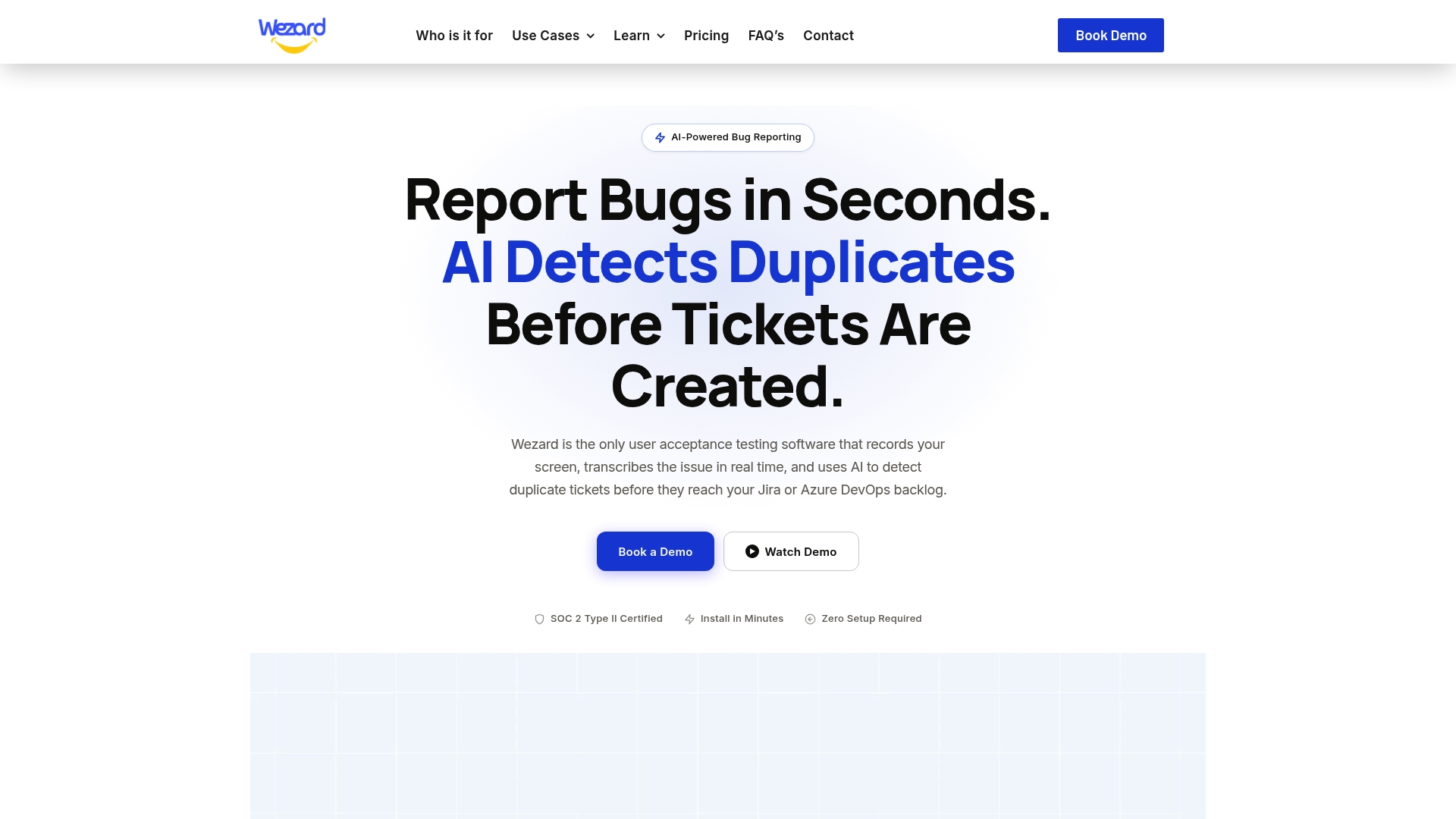
Wezard is UAT software built for the people who run acceptance testing: business users, UAT testers, business analysts, project managers and QA. Testers record the screen and describe the issue by voice. Wezard transcribes it in real time, flags likely duplicates before they reach your backlog, and sends the enriched ticket to Jira, Azure DevOps or ServiceNow. It includes SOC 2 certification and SSO for enterprise teams.
Plans are published at Wezard pricing: Starter is $25 per month, Team is $70 per month and Business is $160 per month. Enterprise pricing is not published. You can also see how teams set it up in our UAT testing feedback tool overview.
FAQ
What is the difference between a blocker and a critical defect?
Definitions vary by team, so write yours down before testing. In many schemes a blocker means no workaround exists and release cannot proceed, while a critical defect fails a core transaction but has a manual workaround. The practical test is whether users can still do their job.
Should UAT stop when a blocker is found?
Usually only for the affected workflow. Testers can continue on unaffected scenarios while the blocker is fixed. If the blocker is environmental, such as broken access or missing data, pause the whole cycle until the entry criteria are met again.
Who decides whether an issue is a blocker?
The business analyst and product owner typically set priority, with technical input on severity. The person who accepts any remaining risk must have the authority to do so, and their name belongs in the sign-off record.
Can we release with an open blocker?
The usual standard is no. If the business decides to proceed anyway, treat it as an explicit no-go exception with a documented workaround, an owner, a target fix release and a written approval.
How long should blocker fixes take?
That depends on your agreed service levels. Published examples range from a few hours for the most severe issues to about 48 hours for critical defects. Set targets with your delivery team before UAT starts, and review them in your daily check-in.
Sources
- User Acceptance Testing (UAT): Process & Examples
- UAT Defect Triage and Severity Levels
- User Acceptance Testing: UAT Plan, Test Cases, and Sign-Off
- Common Challenges in User Acceptance Testing
- How can AI simplify and accelerate user acceptance testing?
- How Salesforce UAT fails and what to do about it
- UAT Triage: How Business Analysts Manage Sprint Defects and Release SLAs
- UAT Entry and Exit Criteria Checklist
- What Is a UAT Log? Contents, Severity, and Retention
- Red Hat Catalog UAT Program