
A bug fix is approved when one named person, who has the authority to accept the risk, reads a short evidence packet and says yes on the record. Everything else in this guide serves that sentence: choose the approver, build the packet, record the answer, confirm the fix, and know what to do when nobody replies. With Wezard, the packet starts with a screen recording of the issue, a transcript of what the tester said and a duplicate check before the ticket reaches Jira or Azure DevOps. Whoever approves the fix then works from the original evidence instead of a vague summary.
TL;DR
- Name one approver per decision. Everyone else is a contributor or is informed, not a co-approver.
- Bring the approver a packet: original report, before-evidence, severity, business impact, fix risk, what was tested and what was not, and a recommendation.
- Keep severity (how bad the failure is) separate from priority (when to fix it). Approval is about priority and risk.
- Record the decision where the team works, in writing, with the approver’s explicit confirmation.
- Silence is not consent. If nobody owns a risk, ask for a recorded risk acceptance first, then escalate.
Table of Contents
- Who actually approves a bug fix
- Build the approval packet before you ask
- Separate severity from priority
- The approval process, step by step
- Urgent fixes need more governance, not less
- Record the decision where the work lives
- Verify the fix before anyone signs it off
- When stakeholders disagree or do not answer
- Common mistakes
- What Wezard handles in this process
- Our perspective
- FAQ
- Sources
Who actually approves a bug fix
Most approval stalls come from one cause: nobody knows whose call it is. Two things get mixed up. One is the decision to fix, defer or accept a defect. The other is the confirmation that a fix works. They often involve different people.
For the decision, you want a single approver. GitLab’s engineering handbook says every issue decision should have a directly responsible individual (DRI) with the last word, and that this person should be explicitly pinged when severity, priority or milestone changes. In many business-facing projects that person is the product owner or product manager. A stakeholder-roles lesson from Grasp uses the product manager as the single approver for fix, defer or accept decisions, and recommends mapping stakeholders by interest and influence rather than treating everyone who cares about quality as an approver.
A practical role split looks like this:
| Role | What they do on a bug fix | Typical person |
|---|---|---|
| Approver | Decides fix now, later or accept; owns the risk | Product owner, product manager, or the business owner of the process |
| Contributor | Supplies facts: impact, effort, test results | Business analyst, QA lead, developer, support |
| Verifier | Reruns the failing scenario and confirms it passes | The original UAT tester or a named stand-in |
| Informed | Gets told the outcome | Affected teams, support, sponsors |
If you run a triage meeting, check that it can really decide. Rex Black’s bug triage framework says the group should collectively hold authority from test management, development management and product or business, plus release management when timing is involved. Without that mix it is a discussion, not a decision body. If your triage group lacks the person with business authority, the approver is that person, and the meeting prepares their decision.
For a deeper look at how teams sort and rank incoming issues, see our guide to defect triage outcomes and decision factors.
Build the approval packet before you ask
An approver who has to ask five follow-up questions will either delay or say yes without reading. Give them the answers up front. Rex Black lists the inputs a triage decision needs: test conditions, reproduction confidence, customer impact, business priority, fix complexity, staffing and schedule impact. Cornell’s bug-advocacy course material adds a useful rule: describe the consequence in terms the stakeholder cares about, and ask who would care and why, using comparison, history and cost data where you have them.
Translate that into a one-page packet:
- The original report. A link to the ticket, with the recording or screenshots from when the issue was found.
- What happens, in business words. “Approvers cannot release invoices over $10,000” beats “validation error on submit.”
- Who is affected and how often. Roles, teams, customers, number of cases if known.
- Severity and priority, stated separately. More on this below.
- The proposed fix and its risk. What changes, what could break, how big the change is.
- What was tested and what was not. Be explicit about the gaps.
- A recommendation. Fix now, fix before release, next cycle, or accept. Approvers want a proposal to confirm or change.
Julia Pottinger’s QA release workflow makes the point sharply for the handoff note: include the original bug link, before-evidence, root cause, files changed, tests added, build number, test environment, known risks, what was not tested and a recommendation. She notes the last three items are the most valuable and the ones people drop first. A note that just says “looks good” forces the approver to rebuild everything you already know.
Where good evidence comes from
The packet is only as good as the original report. In UAT, business users find the issue and often describe it from memory, hours later. Wezard records the screen while the tester works, transcribes what they say in real time, and checks for duplicates before the ticket lands in Jira or Azure DevOps. The approver then sees what the user saw, in the user’s own words, attached to a single ticket instead of five near-identical ones. If you want to improve this upstream, read how structured bug reports speed up fixes and how to turn video transcripts into tickets.
Separate severity from priority
Stakeholders often disagree about a bug fix because they are arguing about two different things. Rex Black’s framework separates severity, the technical characterization of the failure, from priority, when the defect should be fixed. A typo in a legal disclaimer may be low severity and high priority. A crash in a report nobody opens is high severity and low priority.

The same guide asks teams to weigh the benefits of a fix against its costs: development, testing, integration, deployment, documentation and opportunity cost. It also counts two risks: the risk of leaving the defect unfixed and the risk that the fix introduces a regression. Its outcomes range from fix immediately, fix before release, fix next cycle, fix in the future, to accept as is, depending on the size of the benefit and the urgency.
A worked example. A UAT tester finds that the discount field on an order form silently drops values with two decimal places. Severity: moderate, since orders still save with wrong totals. Business impact: the sales team quotes a few such discounts a week, and finance corrects them by hand. Fix risk: low, one validation rule. Recommendation: fix before release. The approver can say yes in one reply, because every question they would ask is already answered.
Our guide to bug severity versus priority gives scales you can adopt, and UAT bug triage shows how to sort feedback into these outcomes.
The approval process, step by step
Step 1: Confirm the bug is real and reproducible
Before asking anyone to approve anything, check that another person can reproduce it, or that the recording shows it clearly. Where it goes wrong: approvers get asked to rule on an issue that is really a misunderstanding of the requirement. If stakeholders disagree about whether something is a bug or a missing feature, Rex Black recommends escalating to product, support or sales people who have the authority to decide. A recording makes this conversation faster, because everyone watches the same behavior.
Step 2: Check for duplicates
Five tickets about the same defect look like five problems and inflate perceived urgency, or split the evidence so no single ticket looks serious. Merge them and keep the best recording. Wezard’s AI duplicate detection runs before tickets reach your backlog, so this merge happens at capture instead of in a cleanup meeting.
Step 3: Name the approver and the contributors
Write the names in the ticket. One approver, a few contributors, the rest informed. Where it goes wrong: “the stakeholders” are tagged as a group and each assumes another will answer.
Step 4: Send the packet with a deadline and a default
Ask a specific question: “Approve fixing this before the release candidate, yes or no?” Give a response date tied to the release schedule. State what happens if the date passes, for example that the item moves to the next cycle’s triage with the risk recorded as open.
Step 5: Get an explicit answer
“Sounds fine” in a hallway is not an answer. The approver replies in the ticket or the channel the team uses for decisions, in words that state fix, defer or accept.
Step 6: Record the decision and the reasoning
See the next section.
Step 7: Implement, verify, and close with evidence
See the section on verification.
Urgent fixes need more governance, not less
When a production bug forces a hotfix, the temptation is to skip approval. That is when the record matters most. Mark Hazleton’s guide to late-sprint hotfix governance asks for four things before the hotfix path: engineering lead sign-off, QA acknowledgment, product or business risk acceptance, and a confirmed rollback plan. It also calls for success metrics and monitoring after release.
If your team is a small product company shipping urgent fixes without much formal process, a software due diligence checklist shows the kinds of engineering controls reviewers look for, which helps you decide how much release discipline a hotfix path should keep.
The approver for a hotfix is usually the same person as for a normal fix. What changes is speed and the size of the packet: keep it to one screen, but never drop the rollback plan or the “not tested” line.
Record the decision where the work lives
A decision that exists only in a meeting is gone by the next sprint. GitLab’s handbook says to put the issue outcome and its reasoning in a public comment, mention the DRI, and get the DRI’s explicit reply, a comment or a positive emoji reaction. Private discussion can happen, but the outcome must be visible.
A good decision record has five lines:
- Decision: fix now, before release, next cycle, or accept.
- Approver: name and date.
- Reason: the impact and risk that drove it.
- Conditions: for example, “ship only with the workaround documented for support.”
- Review date: when a deferred or accepted item gets looked at again.
If customers or partners are affected by a critical issue, communication belongs in the plan too. CISA’s Safe Software Deployment guidance says a notification plan should cover the channels, the timing and clear information on the issue, its impact and expected resolution time.
Because Wezard connects directly to Jira, Azure DevOps and ServiceNow and tracks feedback, the recording, the transcript and the decision thread can sit on the same ticket your developers already use. That keeps the evidence next to the answer.
Verify the fix before anyone signs it off
Approving the work to be done and approving the result are two separate acts. After the developer says “fixed,” the approver and the business still need proof.
Pottinger’s workflow says to repeat the exact path that proved the bug and check it the same way it was captured. A passing unit test does not show the user-visible problem is gone. The practical rule:
- The original tester, or a named stand-in, reruns the failed scenario in the build that contains the fix.
- They record the result, ideally on video, next to the original recording.
- QA tests adjacent workflows the change could have touched.
- The approver sees before and after, then confirms closure.
That before and after pair is the strongest thing you can show a stakeholder. It takes seconds to watch and leaves little to argue about. For hotfixes, add the technical checks from the QA release workflow above: build number, test environment, and a clear list of what was not covered. After release, watch the metrics you defined, such as error rate and support signals, as Hazleton recommends.
Our pre-launch QA checklist covers sign-off items beyond a single fix.
When stakeholders disagree or do not answer
Most stalled approvals are not fights. They are silence. The approver is busy, thinks someone else owns it, or read the message and forgot. Do not treat silence as yes.
Use this order:
- Re-ask with a narrower question. Offer a default and a date.
- Ask for risk acceptance in writing. If the person with authority will not fund the fix, ask them to record that they accept the risk of shipping with the defect. An engineering handbook chapter on recording unheeded concerns says escalation is justified only when a concern is declined and nobody owns the risk, and that the first move is to ask the owner to put the acceptance on record. Framing matters: the message is “this risk has no owner,” not “I disagree with you.”
- Escalate decisions that exceed the group’s authority. Rex Black describes typical cases: a triage recommendation overridden by release management, or an accept-as-limitation decision on a high-severity defect that needs executive sign-off. Paths should be defined in advance.
Escalation triggers are worth agreeing before you need them: a critical defect with no owner or timeline, product and engineering disagreeing on risk acceptance, or an external commitment that forces a go or no-go call.
Deferred and accepted bugs are not closed
A known issue is legitimate only if someone with release authority has accepted it explicitly. “We ran out of time” is not acceptance. Review deferred items at the start of each release cycle, because scope can grow, a workaround can stop working, or a change in the release can make things worse. When facts change, the old acceptance no longer holds and the decision gets made again.
Common mistakes
- Too many approvers. Five people with veto power produce no decisions. Use one approver and several contributors.
- Asking for approval without evidence. “Can we ship the fix?” with no recording or test result invites delay.
- Mixing severity and priority. The argument never ends because the two sides use different scales.
- Closing on the developer’s word. Always rerun the original scenario.
- Decisions in chat that never reach the ticket. The next person to open it has no idea what was agreed.
What Wezard handles in this process
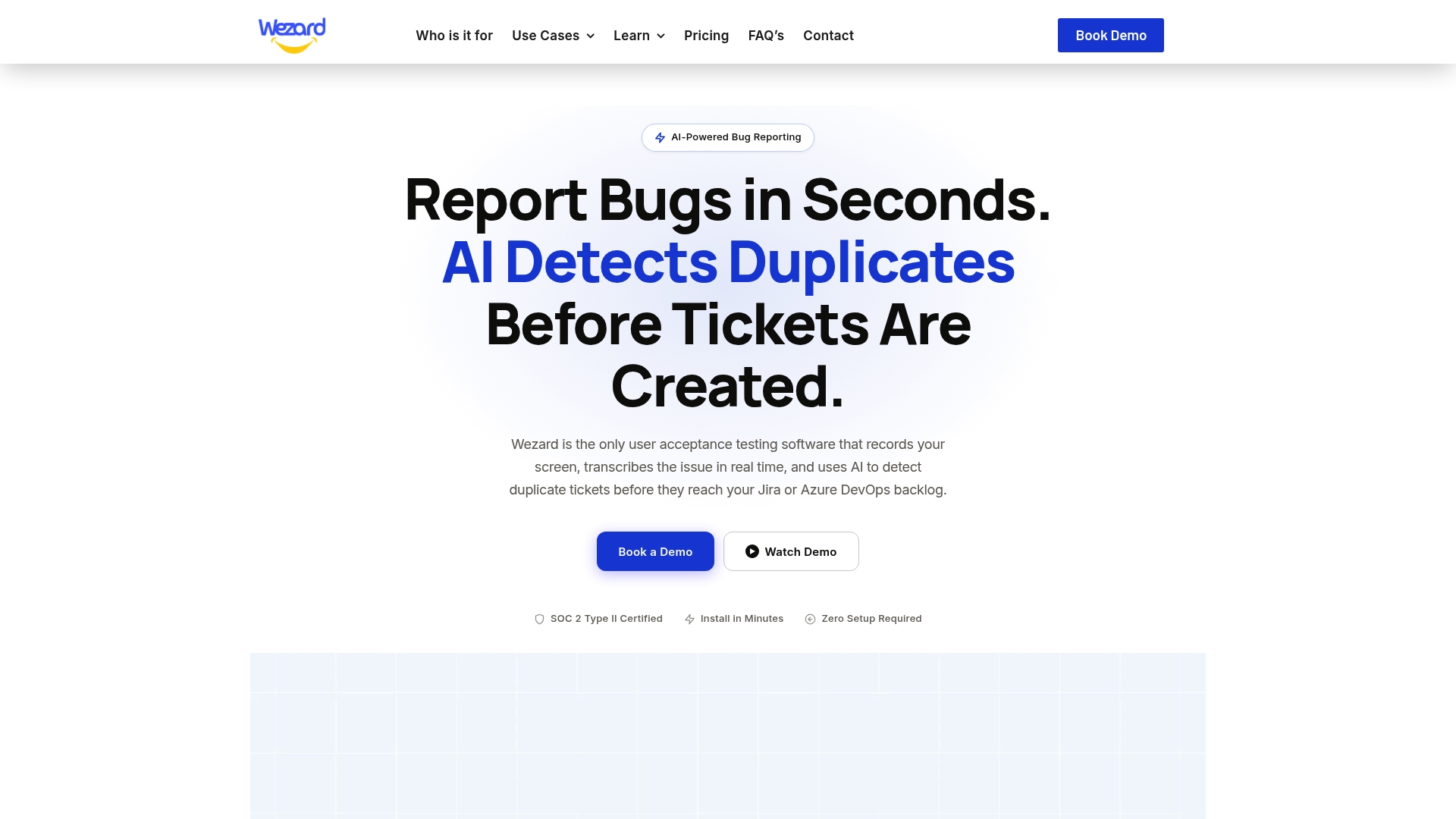
Wezard is user acceptance testing software for the people who run this process: business users, analysts, project managers, UAT testers and QA. Testers record the screen and speak the issue, Wezard transcribes it in real time, and AI flags duplicates before they reach your Jira or Azure DevOps backlog. Attachments and screenshots go on the ticket, and the integration sends it straight to the backlog.
Plans are published on the pricing page: Starter at $25 per month, Team at $70 per month and Business at $160 per month. Enterprise has no published price. You can see how teams set it up on the use cases page.
If your approvals stall because the evidence arrives late or scattered, start with capture. Our guide to real-time bug transcription for UAT shows what to look for.
Our perspective
Approval is slow when the approver has to reconstruct the problem. In our experience of building UAT software, the fix starts with the report: the person who found the issue shows it on screen and says what they expected, and that becomes the evidence everyone else works from.
That is why Wezard records the screen, transcribes the issue as it is spoken and checks for duplicates before a ticket enters your backlog. Our approach is designed so approvers see one clear ticket with the original behavior attached, not a pile of overlapping descriptions. We aim to reduce duplicate noise by up to 40% compared with manual processes or basic feedback tools.
A stakeholder who can watch thirty seconds of video and read a clean transcript can answer yes, no or later, and the team can record that answer on the same ticket. That is the whole job of a bug-fix approval, and we built the tool around it.
Marketing
FAQ
Who should approve a bug fix?
One named person with authority over the outcome, usually the product owner or product manager, or the business owner of the affected process. Developers, QA and analysts contribute facts but do not all need to sign off. Write the approver’s name on the ticket so nobody has to guess.
What should I send a stakeholder to get a quick approval?
Send the original report with its recording, the business impact in plain words, severity and priority, the fix risk, what was and was not tested, and your recommendation. End with a yes-or-no question and a response date. That packet lets the approver decide without a meeting.
Is a verbal okay enough for a bug fix approval?
No. Put the decision in the ticket or the team’s decision channel, with the approver’s explicit reply, the reason and any conditions. A written record protects the team, and it helps whoever picks up the ticket later.
What if the stakeholder never responds?
Re-ask with a narrower question and a default. If there is still no answer, ask the person with authority to record that they accept the risk. If nobody will own it, escalate with the framing that the risk has no owner, using the path your team agreed in advance.
Can we ship a bug fix before stakeholders confirm it works?
For urgent production issues, teams approve the hotfix path first, then verify after release. The approver should accept the risk and the rollback plan beforehand. Rerun the original scenario in the fixed build and record the result as soon as possible.
Sources
- Decision-making process: Clarifying roles and responsibilities, GitLab Handbook
- Quality Stakeholders and Decision Rights, Grasp
- Bug Triage: A Cross-Functional Framework, Rex Black
- The Bug Reporting Process: A Deep Dive for Test Managers, Rex Black
- Effective Advocacy: Making People Want to Fix the Bug, Cornell
- From Bug Report to Beta Build: A QA Release Workflow, Julia Pottinger
- Late Sprint Hotfix Governance, Mark Hazleton
- Safe Software Deployment, CISA
- Disagreement, Escalation, and Recording an Unheeded Concern, MSQE Handbook