
Most UAT findings should not become ServiceNow change requests. A change request is the controlled record for altering a production service or its configuration. A UAT finding is first an observation: something behaved differently from what the business expected. The cleanest route is to triage each finding, raise a change only for the ones that need controlled work, and hand ServiceNow a record complete enough that approvers can decide without chasing you. That is also where a capture tool earns its keep: we built Wezard to record the screen, transcribe the issue as it is spoken and flag duplicates before a ticket reaches your ServiceNow, Jira or Azure DevOps backlog.
TL;DR
- Triage first. Only findings that require a controlled change to a service or configuration item (CI) need a change request. Defects, known errors and service requests take other paths.
- ServiceNow lets you create a change from an incident or problem, or from scratch under Change > Create New, and the incident’s key fields carry over.
- Approvers need the reason, risk, impact, planned dates, implementation plan, test evidence and backout plan. UAT evidence supplies much of it.
- Normal changes go to the Change Advisory Board (CAB, the group that approves higher-risk changes), standard changes are pre-approved and emergency changes are expedited.
- Close the loop: validation feedback from the business is what lets the change owner close the request.
Table of Contents
- Decide first: does this UAT finding need a change request?
- How to create the change request in ServiceNow
- What the change request must carry from UAT
- Which change type applies: standard, normal or emergency
- Approving a change that came from UAT
- Tracking implementation, validation and closure
- Testing the change workflow itself
- Where Wezard fits
- Perspective: fix the input, and the change process gets easier
- FAQ
- Sources
Decide first: does this UAT finding need a change request?
UAT produces a mixed pile. Some items are defects in a build that has not shipped yet and belong in your project backlog. Some are questions, training gaps or wishes. A few describe something that must be changed in a live environment, and only those belong in change management.
The University of Chicago’s change management framework puts the decision with the person performing the change. They apply the organization’s standards, look at the change’s type, risk and impact, and contact the Change Manager when in doubt. Use the same logic as a screening question for each UAT finding:
- Does the fix alter controlled infrastructure or a business service? If yes, it is a change request candidate. The tester’s report is the evidence behind it.
- Is it a defect in code that has not been released? Keep it in the project tracker and fix it through the release. The release itself will carry change records later.
- Does it point to an underlying cause of repeated incidents? UCF IT’s problem management procedure says to record a Problem in ServiceNow and, if a change will resolve it, relate the change record to the problem.
- Is the fix not a change to controlled infrastructure at all? The ITILfromExperience example is hardware repair: better handled as a service request than a request for change.
The same triage logic is covered in our guide to UAT bug triage and the defect triage process, which lay out the possible outcomes for a finding and the factors that decide between them.
A quick sizing rule some teams use
Practitioners on the ServiceNow Community describe routing small business changes through an idea or demand step first, then sizing the effort: under 10 hours becomes a standard change request, more becomes a minor project, and over 200 hours a major project. Treat that as one team’s convention, not a ServiceNow rule. Your own change policy sets the thresholds.
How to create the change request in ServiceNow
ServiceNow’s Create a change request documentation describes three paths:
- From scratch: All > Change > Create New, then choose Normal, Emergency or Standard.
- From an incident or problem: right-click and choose Create Normal, Standard or Emergency Change. This needs the sn_change_write role.
- By copying an existing change: available only if an admin enabled the copy option.
For UAT work the second path matters most, because a UAT finding that reaches ServiceNow often arrives as an incident. ServiceNow’s documentation on creating a record from an incident says the create-change scripts copy the short description, description, CI, priority and company from the incident, and a reference to the new change appears in the incident’s Related Records section.
Two practical consequences follow:
- Whatever the tester wrote in the short description and description becomes the opening text of the change. A vague finding produces a vague change.
- Linking matters. Rowan University’s ServiceNow user guide shows the pattern: create the change from the incident form’s Change Request field, or link an incident to the change that caused it through the Caused by Change field on the Related Records tab. Either way, someone reading the change can find the original finding.
If your UAT tester logs findings in a separate tool, the missing piece is the bridge. Our step-by-step guide on how to connect UAT to ServiceNow covers that setup.
What the change request must carry from UAT
Approvers do not read UAT reports. They read the change record. So the record must contain, in its own fields, what UAT proved.
ServiceNow’s documentation says a change request records the reason, priority, risk, type and change category. Planned start and end dates and the CI are required when conflict detection is used, and the conflict status shows Conflict, No Conflict or Not Run.
Institutional change policies ask for more. The University of Chicago framework requires:
- the change description and purpose, plus owner and requestor
- requested implementation start and completion date and time
- affected servers, services and locations
- what pre-implementation testing was done
- rollback feasibility and a communications plan
- production acceptance steps, including explicit validation standards and criteria for determining failure and backout
It also states that a request cannot be submitted for approval without the validation procedure. Partners In Health, per the same research, lists CIs, description, justification, dates and times, and testing, implementation and backout plans for significant and major changes.
For the problem description itself, NASA’s software change request guidance is a good template. It asks for steps to reproduce, data entered, expected versus actual results and what the user sees or experiences, plus the information needed to judge impact and necessity.
Mapping UAT evidence to change fields
| What UAT produced | Where it goes in the change |
|---|---|
| Tester’s description of the problem | Short description and description |
| Steps, expected vs. actual result | Description or attached evidence |
| Screen recording or screenshots | Attachments on the change |
| Business sign-off or acceptance criteria | Justification and validation criteria |
| Affected application or service | CI field |
| Tested fix, test results | Testing evidence and implementation plan |
| Severity as the business sees it | Impact and priority inputs |
The recording is the strongest item in that table. A change approver who can watch the problem for 40 seconds does not need to schedule a call. Wezard captures the screen and transcribes what the tester says as they say it, so the description starts out populated. Our piece on turning video transcripts into bug reports shows how a recording becomes a usable ticket.
Which change type applies: standard, normal or emergency
The type decides who must approve and how fast. DSS’s overview of ServiceNow ITSM summarizes the three: standard changes are pre-approved and low risk with no CAB approval, normal changes need a full risk assessment and formal approval (typically by the CAB), and emergency changes respond to major incidents with expedited, often retroactive, approval.
For change requests raised from UAT, normal is the usual type. A finding is rarely an emergency, and a standard change needs an approved template already in place. ServiceNow’s documentation on changes from a problem states that for a normal change you raise a request for change, and the CAB must approve it before the resolution is applied.
Yale’s change training guide notes that the requestor provides the initial classification, including an impact and risk assessment that determines the change type. In plain terms, the person closest to the finding, usually the business analyst or project manager, carries the first judgment. Make that judgment explicit in the record instead of leaving the default.

How a normal change moves
In the Service Operations Workspace, per ServiceNow’s change request documentation, the Assess state requires group-level approval for a normal change, and peer and technical reviews are possible. The Authorize state requires approval by business stakeholders or the CAB.
The University of Chicago lists what approvers check: whether the information is complete and accurate, whether other changes conflict on resources or timing, whether prerequisite changes exist, and whether there is enough lead time to tell users about visible impact. Approved changes go on the Forward Schedule of Changes, the calendar of planned changes, and are considered Scheduled.
Approving a change that came from UAT
If you are the approver, the steps are short. ServiceNow’s Process a change request page says to open the approval record from Self-service > My Approvals, or from the Approvers related list on the change, then Approve or Reject. Approval moves the change to Scheduled, and rejection returns it to New.
Approvers with the approval_user role act only on the approval record. It shows the number, requester, CI, type, planned dates, risk, impact, descriptions, justification, implementation plan, risk and impact analysis and backout plan. Everything the approver sees comes from what was entered earlier. That is the argument for getting the UAT evidence into those fields before you submit.
What tends to get a change rejected or sent back:
- no validation procedure or acceptance criteria
- no planned dates, or dates that collide with another change
- a description that cannot be understood without the original tester
- the wrong type, such as a normal change filed as standard
Tracking implementation, validation and closure
Once scheduled, the change needs an owner who drives it to closure. According to the same ServiceNow page, selecting Implement moves the request to the Implement state and creates two tasks, Implement and Post-implementation testing, whose assignments, dates and descriptions can be modified. Review moves the request to Review and cancels open tasks. Close requires a close code and close notes. Processing needs the itil, admin, sn_change_write or change_manager role.

The Post-implementation testing task is where UAT comes back. The business users who found the problem are the right people to confirm it is gone.
Yale’s guide describes the closure pattern: the change owner asks the requester and impacted change managers to validate success, the requester confirms the business objectives were met against the validation criteria, and that feedback feeds the Post Implementation Review (PIR). The RFC closes only when its state is closed and the closure code is populated with documentation attached. If the feedback shows unacceptable impact, the same guide says it can lead to a logged incident and a follow-up RFC to remediate or back out the change.
Boston University’s change management guide requires planned start, back-out and planned end date and time for each change, confirms validation through post-change testing, and makes the PIR mandatory for categories such as failed changes, emergency changes and changes that caused a Priority One incident. Your own organization’s policy may differ, so check which changes require a PIR before you promise one.
A closure checklist for the UAT lead
- Link the original UAT findings to the change so the evidence trail is visible.
- Re-test the exact scenario that failed, with the tester who reported it.
- Record the result against the validation criteria written into the change.
- Attach the new recording or screenshots to the Post-implementation testing task.
- Tell the change owner the business objective was met, or raise a new incident if not.
Testing the change workflow itself
Sometimes the UAT target is not an application but the change process, for example after a ServiceNow upgrade or a new change model. The OBLYTECH acceptance checklist says acceptance testing for a change workflow should use personas with real roles (requester, change manager, CAB approver, implementer), never run a test as administrator, and send notifications to a sink address. It also advises covering the rarely used routes, such as a standard change that unexpectedly needs normal review or a change rejected at the last approval and resubmitted, since defects tend to hide there.
For automation, ServiceNow’s Automated Test Framework (ATF) can help. Pathways Consulting Group notes a common ATF snag: planned start and end dates must hit a specific time before the workflow processes, so the test needs a script step to set the dates and a wait step before the workflow kicks off. ATF tests run on non-production instances, so manual UAT by real business users still covers what scripts do not: whether the requester, approver and implementer can complete their parts unguided.
Where Wezard fits
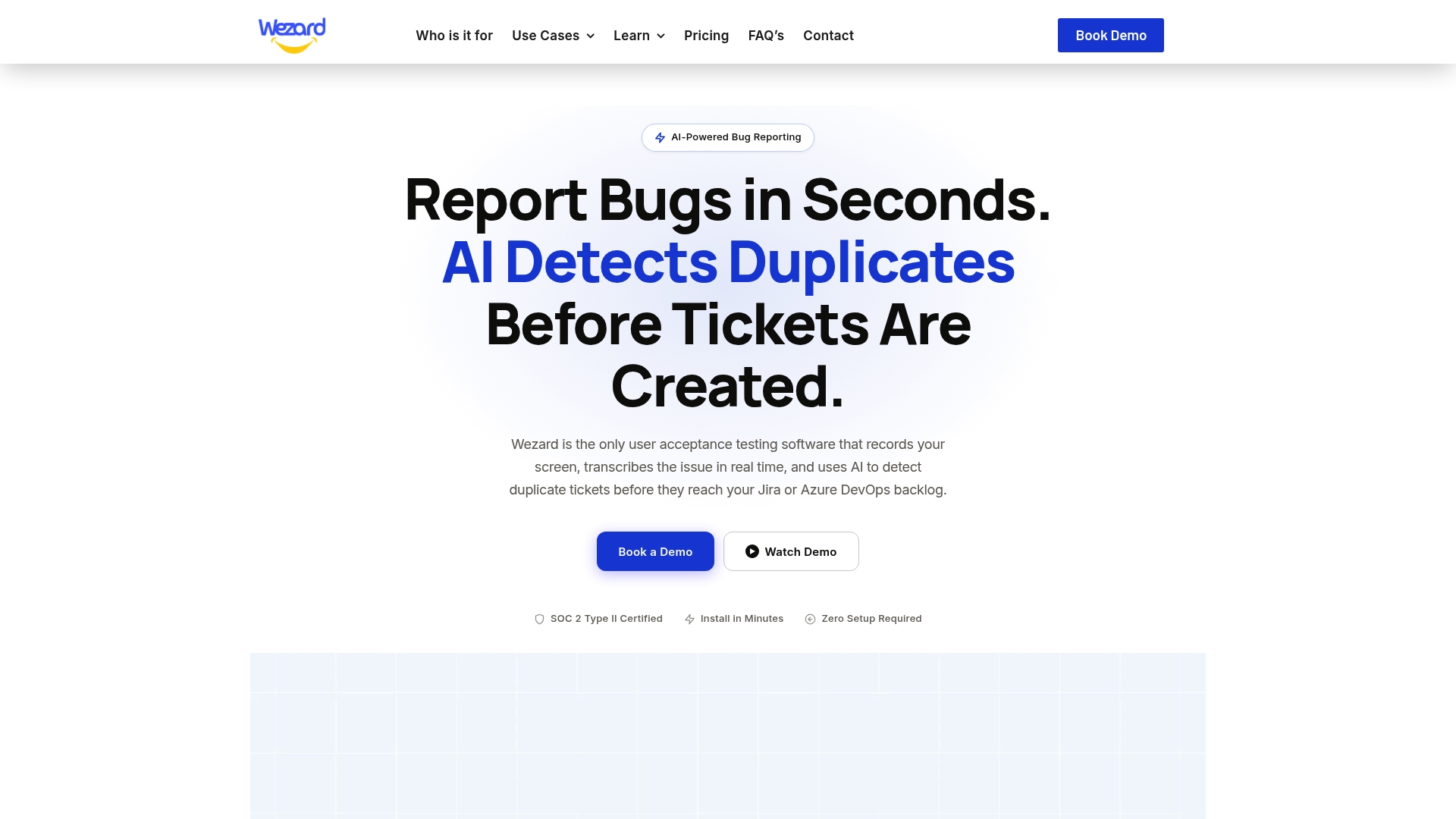
The weak point in most UAT-to-ServiceNow handoffs is the capture. Testers write one-line tickets, several testers report the same issue, and someone has to clean up before anything can become a change. Wezard records the tester’s screen, transcribes the issue in real time and detects duplicate tickets before they reach your backlog in Jira, Azure DevOps or ServiceNow. Testers can create a ticket by voice or video, follow a guided submission and attach screenshots and files. Security is enterprise grade, with SSO and SOC 2 certification.
Plans are published on our pricing page: Starter at $25 per month, Team at $70 per month and Business at $160 per month, with Enterprise available on request. To see the capture flow for UAT, start with our UAT testing feedback tool page.
If your team already works with change control, our write-up on the UAT change management process shows how QA and release teams keep findings and changes aligned.
Perspective: fix the input, and the change process gets easier
We think the change request is the last place to discover that a UAT finding is unclear. By the time a change reaches the CAB, the tester has moved on, the business context is gone, and the approver has only the text on the screen.
That is why we build around the moment of capture. When a tester can show the problem and say it out loud, the record that comes out already holds the steps, the expected result and what the user saw. When duplicates are caught before they reach the backlog, the people deciding what becomes a change are looking at one clear issue, not five versions of it.
Our view is simple: a good change request starts as a good UAT ticket. Teams that invest in that handoff spend less time on clarification and more time on validation.
Marketing
FAQ
Can I convert a UAT finding directly into a ServiceNow change request?
If the finding lives as an incident or problem in ServiceNow, yes. Right-click and choose Create Normal, Standard or Emergency Change, and fields such as short description, description, CI and priority are copied across. A request record is different: community threads show that converting one to a change is not a standard option, so route it through an incident or create the change directly under Change > Create New.
Which change type should a UAT-driven change use?
Use normal for most. It requires risk assessment and CAB approval, which fits changes that arise from findings. Standard suits only repeatable, low-risk changes with an approved template, and emergency is for responding to major incidents. Your change manager can confirm the thresholds in your policy.
How do I approve a change ticket in ServiceNow?
Open Self-service > My Approvals, or the Approvers related list on the change, then choose Approve or Reject. Approval moves the change to Scheduled and rejection returns it to New. Check the justification, risk analysis, test evidence and backout plan on the approval record before you decide.
Who closes the change after UAT validation?
The change owner drives closure, and the requester confirms the business objective was met. Closing requires a close code and close notes. Some organizations also require a Post Implementation Review first, so follow your own change policy.
Sources
- IT Services Change Management Framework 3.0
- UCF IT Problem Management Policy and Procedure
- ITILfromExperience: incident resolved by replacing hardware
- ServiceNow Community: small business changes
- ServiceNow: Create a change request
- ServiceNow: Create a record from an incident
- Rowan University ServiceNow user guide
- NASA Software Change Request and Problem Report
- DSS: ITSM processes in ServiceNow
- ServiceNow: Create change request from a problem
- ServiceNow: Create a change request in Service Operations Workspace
- Yale ServiceNow Change Training Guide
- ServiceNow: Process a change request
- Boston University Change Management User’s Guide
- OBLYTECH Change Enablement Acceptance Checklist
- Pathways Consulting Group: ATF time inputs and wait times