
UAT defect leakage is the share of defects that business testers should have caught during user acceptance testing but that surface after sign-off, in production. Most leaks come from a few repeatable causes: thin coverage, test environments that differ from production, and defects that were reported badly or lost between tester and developer. The fix is a measured, evidence-rich defect trail. That is the part of UAT where Wezard is built to help: it records the tester’s screen, transcribes the issue as it is described, and flags duplicates before they reach Jira or Azure DevOps.
TL;DR
- Defect leakage is the percentage of defects that escaped a testing stage and were found in a later one, such as production after UAT.
- Calculate it per release, show the raw count next to the percentage, and tag every defect with where it was found.
- Sort leaked defects by cause (coverage, test design, environment, data, late changes, rare conditions) because each cause needs a different fix.
- Complete defect records, with screenshots, steps and expected versus actual behavior, make triage and retesting faster and keep defects from vanishing.
- Sign off against written criteria, not a zero-defect promise.
Table of Contents
- What UAT defect leakage means
- How to measure UAT defect leakage
- Why defects escape UAT
- A defect-handling routine that closes the leaks
- Reading your leakage numbers
- Where Wezard fits
- Our perspective
- FAQ
- Sources
What UAT defect leakage means
A defect found during UAT is the process working. A leaked defect is one that UAT did not catch. It appears after business users have signed off, usually reported by customers or support staff.
The Ministry of Testing glossary gives a clear example: a mobile banking app whose recurring payments failed around daylight-saving time changes, because no test scenario accounted for that calendar condition. It also notes that leaked defects cost more to fix in production, damage user trust, and are hard to root-cause because production conditions are difficult to replicate.
For a business analyst or project manager, that last point matters. A leak is rarely a single missed bug. It usually points to a gap in what was tested, how it was tested, or how findings were recorded.
Defect, bug and leak: the vocabulary
In practice “bug” and “defect” are used interchangeably. “Leakage” (also called bug leakage or escape) describes the defect’s journey: it belonged to an earlier stage but was only caught in a later one. A defect found in UAT that should have been caught in system testing is leakage from system testing. A defect found in production that UAT missed is UAT leakage.
How to measure UAT defect leakage
Two formulas are in common use, and the difference is the stage you measure.
Stage-level leakage. ProfessionalQA defines it as defects attributed to a stage but captured in the next one, divided by all defects captured in that stage plus those attributed to it but captured later, times 100. Its worked example: 35 defects found later out of 140 total gives 25% leakage.
Defect escape rate. A metrics write-up on DEV Community uses defects found in production divided by pre-release plus production defects. Its complement is defect removal efficiency.
For UAT, a practical version is:
| Measure | Calculation | Example |
|---|---|---|
| UAT leakage | Defects found in production that UAT should have caught ÷ (defects found in UAT + those production defects) × 100 | 6 ÷ (54 + 6) = 10% |
| UAT removal efficiency | 100% minus leakage | 90% |
The example numbers are illustrative, not a benchmark.
Counting rules that keep the number honest
The same DEV Community article suggests rules worth adopting:
- Add one mandatory “found in” field to every ticket (system test, UAT, production).
- Use time windows aligned to releases, not calendar months.
- Report by severity and root-cause category, not just in total.
- Always show the count beside the percentage. Its author warns that percentages hide counts: 3% of 100 defects is a very different story from 3% of 10.
The first rule is where many teams fail. If UAT defects live in a spreadsheet and production defects live in a backlog, nobody can compute the ratio.
Why defects escape UAT
Reading across QA Decoded and ProfessionalQA, the causes fall into a handful of groups:
- Missing coverage. No test case exists for the condition, such as the time-change example above.
- Weak test design. Cases cover only the happy path, or were written from misunderstood requirements.
- Environment differences. The UAT environment differs from production in database version, time zone or sandbox configuration, or the build was deployed incorrectly.
- Test-data differences. Production has apostrophes in names, or many linked records, that clean test data does not.
- Late changes with no retest. Something changed after testers had passed it.
- Rare conditions. A specific device, slow network or race condition.
QA Decoded stresses that escaped defects are rarely random: sort a batch of them into these groups and one or two usually dominate. That is the whole value of leakage analysis. It tells you whether to spend the next cycle on better scenarios, a more realistic environment or stricter change control.
The cause nobody counts: poor defect records
There is another route to leakage that sits between the categories: a defect was found in UAT but reported without enough detail, misunderstood, closed as “cannot reproduce” or lost during a handoff. The tester did their job. The record failed.
Guidance on running UAT consistently asks for the same details. Project Management Formula says every defect should be logged immediately with a description, expected versus actual behavior, reproduction steps, severity, business impact and screenshots. Testscenario adds the record ID and the user profile used, and says complete records cut triage from days to hours.
Business testers are not trained bug reporters. Typing out reproduction steps after the fact is where detail gets dropped. This is where we built Wezard to do the work: the tester records the screen and describes the problem aloud, and the issue is transcribed in real time into a ticket. Screenshots and file attachments go with it, so developers see what the tester saw. Our guide on turning recordings into video transcript bug reports walks through the approach.

A defect-handling routine that closes the leaks

1. Capture every issue with evidence
Require the full set of details above for every report. Give testers a guided submission format so nothing is optional by accident. Wezard offers guided ticket submission and voice or video-based creation for this reason. Our piece on common UAT tester mistakes covers the errors that most often make reports unusable.
2. Stop duplicates before they hit the backlog
When twenty testers hit the same failing screen, you get twenty tickets. Triage time goes to merging them, and real defects get buried. Wezard uses AI to detect duplicate tickets before they reach Jira or Azure DevOps, and we position this as reducing duplicate noise by up to 40% compared with manual processes. See how to prevent duplicate Jira tickets at capture.
3. Triage by severity and business impact
Sort defects into outcomes: fix now, fix before go-live, ship with a documented note, or reject. Testscenario describes blockers as stopping go-live until resolved and retested, while minor issues can ship with a known-issue note. Project Management Formula recommends frequent triage meetings that decide what must be fixed before go-live and what can follow it. Our guides on UAT bug triage and the defect triage process detail the decision factors.
4. Tag the root cause
An open/closed status alone tells you nothing about why defects occur. Calcotools recommends tagging each defect as a requirement gap, design gap or build defect, so the data feeds back into requirements elicitation, design review and code review. Pair that with requirements traceability, which links each test to a need and exposes untested requirements before sign-off.
5. Retest like the original failure
Testscenario says to retest each fixed scenario under the same profile that failed. Project Management Formula adds that the person who logged the defect should retest where possible. Both prevent the “fixed on the developer’s account” problem that sends a defect back to production.
6. Sign off against written criteria
Project Management Formula defines UAT completion as all test cases executed, critical and high-severity defects resolved and retested, lower-severity defects documented with a remediation plan, integrations working, and required stakeholders formally approving. That is explicitly not the same as zero defects. The sign-off document should record pass rates, defect totals, known defects with workarounds and the risks accepted. Testscenario adds that sign-off is a written decision against agreed criteria, and a verbal go-live does not count.
If you need a template for those criteria, see our pages on UAT exit criteria and signing off test cases after UAT. Entry criteria matter as well: acceptance testing entry criteria keep testing from starting on an unstable build or the wrong environment.
Reading your leakage numbers
Once a release is live and production defects are tagged, run a short review:
- Count escaped defects and show them next to the percentage.
- Group them by root-cause category and severity.
- Find the one or two dominant categories.
- Assign one concrete change per category. Missing coverage means new scenarios. Environment gaps mean aligning configuration. Late changes mean a retest rule tied to change control.
- Compare against the next release, not against an industry number.
Small teams should be careful about reading too much into one release. The DEV Community author suggests control charts to separate real change from normal variation. With a handful of defects, a swing from 5% to 10% may be one extra ticket.
Where Wezard fits
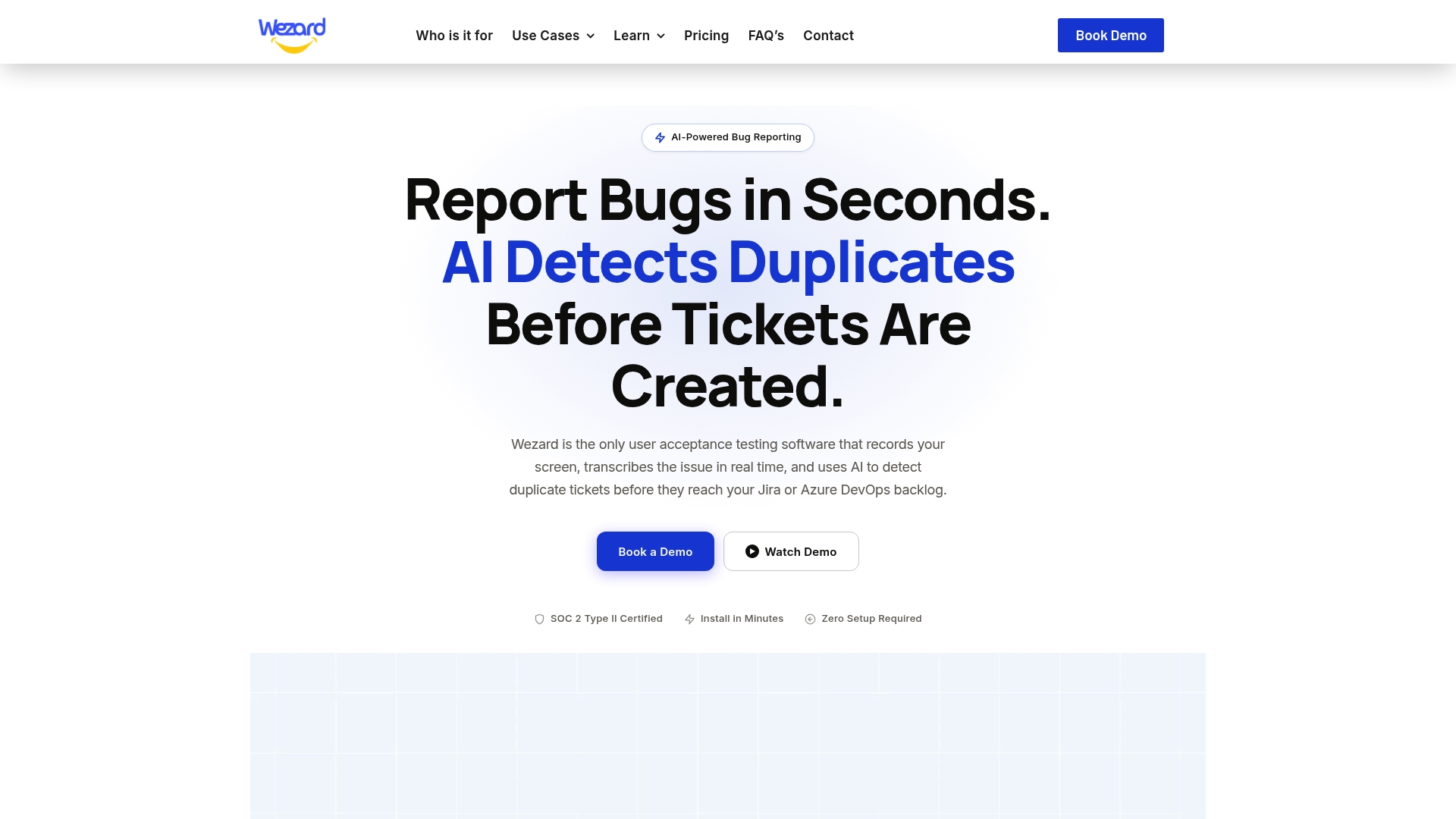
Leakage measurement depends on a consistent trail from the first report to the backlog. Wezard captures the issue by screen recording and real-time AI transcription, checks for duplicates, and sends the enriched ticket to Jira, Azure DevOps or ServiceNow. It also tracks feedback, supports SSO and is SOC 2 certified.
Plans are published at Wezard pricing: Starter at $25 per month, Team at $70 per month and Business at $160 per month, with Enterprise available on request. To see how the UAT workflow looks end to end, visit the UAT testing feedback tool.
Our perspective
Leakage is usually blamed on testers. We think that is backwards. Business users are experts in their process, not in writing bug reports, and when the report is vague, the defect is effectively lost even though someone found it.
That is why we built Wezard around the moment of discovery. When a tester can record the screen and just say what went wrong, the ticket arrives with the evidence a developer needs, and the retest can follow the same path that failed.
We also believe the backlog should reflect distinct problems, not the number of people who hit them. Catching duplicates before they reach Jira or Azure DevOps keeps triage focused on the defects that decide whether a release is ready.
Measure leakage, tag causes, and let the data tell you where to improve. A clean, consistent defect trail is what makes that possible.
Marketing
FAQ
What is a good UAT defect leakage rate?
There is no universal threshold, and we would not rely on a generic benchmark. Track your own rate per release, with counts and severity, and aim for a downward trend. Critical defects reaching production deserve attention regardless of the percentage.
What does bug leakage mean?
Bug leakage is another name for defect leakage: a bug that should have been caught in an earlier testing stage but was found later, typically by end users in production. UAT leakage refers specifically to bugs that passed acceptance testing.
Does zero defects mean UAT is complete?
No. UAT is complete when agreed criteria are met: tests executed, critical and high-severity defects fixed and retested, remaining issues documented with plans, and stakeholders approving in writing. Known minor defects can ship with a documented workaround.
How do I tell whether a leak came from UAT or from earlier testing?
Use a mandatory “found in” field and a root-cause tag on every ticket. If the scenario was in scope for UAT and was missed or poorly executed, it is UAT leakage. If it should have failed in system testing, our comparison of UAT and system testing helps you assign it.
Sources
- Defect leakage | Ministry of Testing glossary
- Defect Leakage or Bug Leakage | ProfessionalQA
- Defect Leakage Formula in Testing | QA Decoded
- Reducing Defect Escape Rate: Metrics and Root-Cause Strategies | DEV Community
- Salesforce UAT Testing: 7-Step Process | Testscenario
- Waterfall User Acceptance Testing Phase Walkthrough | Project Management Formula
- Running UAT on a Multi-Stakeholder Program | Calcotools