
Finding user acceptance testing software that captures clear feedback and integrates with existing trackers takes too much manual work. Many tools limit feedback to screenshots or basic forms and require separate steps to push tickets into Jira or Azure DevOps. This comparison of five alternatives shows price, integrations, and automation so product teams can match a tool to their workflow without the usual bottlenecks.
Table of Contents
Wezard
At a Glance
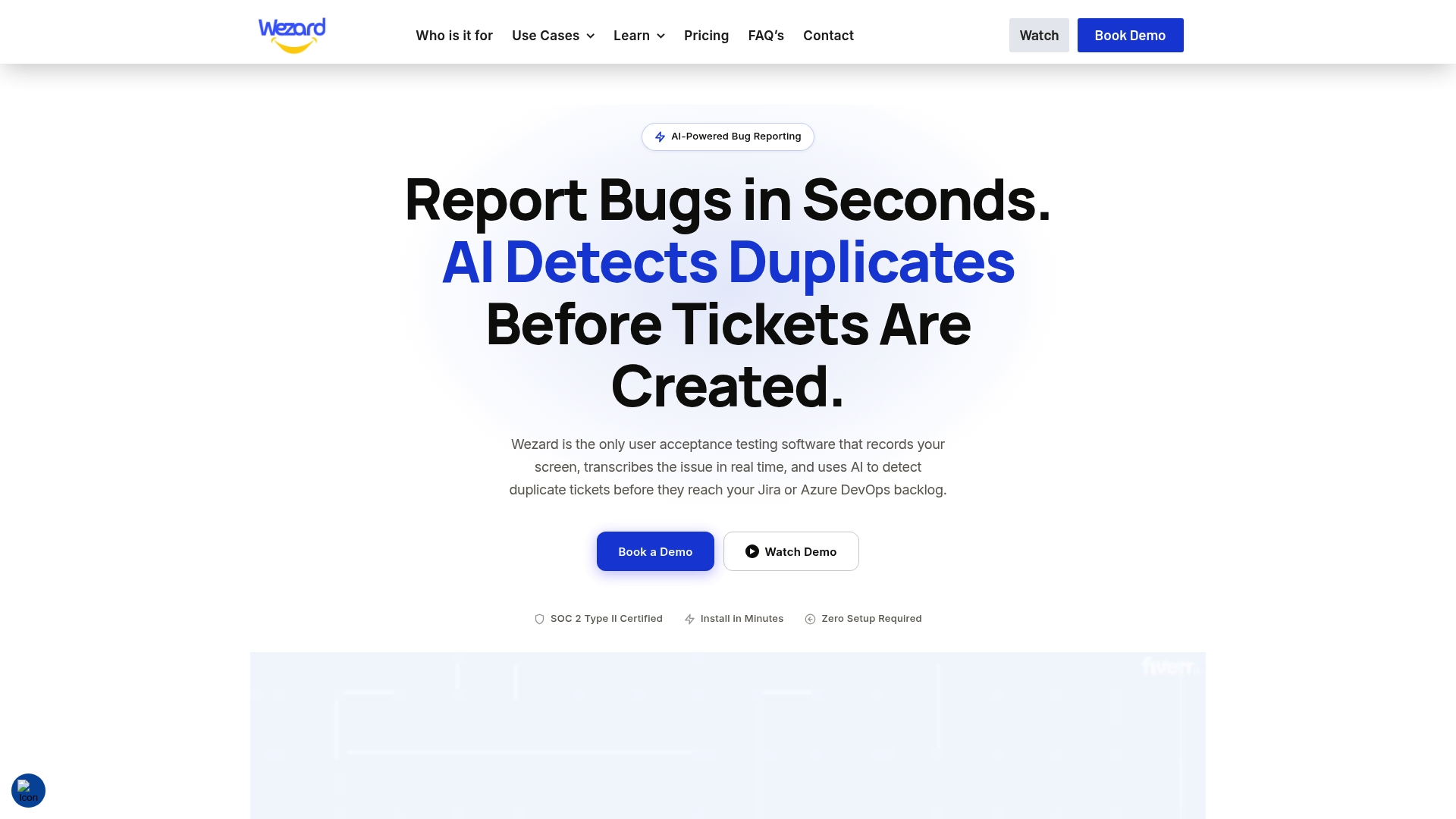
Records your screen, transcribes verbal reports in real time, and flags duplicate tickets before they reach Jira or Azure DevOps. That live capture attaches screenshots, recordings, and environment metadata to each report. The result targets noisy backlogs during enterprise UAT and complex implementations.
Core Features
Wezard collects rich context with screenshots, full session recordings, and environment metadata while users report issues. It uses AI-powered transcription to convert spoken feedback into searchable text and runs automatic detection and merging of duplicate tickets. Teams can tailor ticket forms and connect the embedded widget or API to enterprise issue trackers.
Key Differentiator
The single-widget approach that pairs live screen recording with instant transcription and inline duplicate detection defines Wezard’s position. That combination pushes enriched, prefilled tickets directly into backlog systems. It reduces the manual steps engineers and triage teams normally perform.
Pros
The vendor claims it reduces duplicate tickets by up to 40%, which lowers backlog noise and saves triage hours. Rich recordings plus transcripts make bugs easier to reproduce and verify without chasing reporters. Integrations with Jira, ServiceNow, and Azure DevOps let teams automate ticket creation and prioritization. Custom forms and branding options help match enterprise workflows and compliance needs.
Cons
- Pricing detail beyond starter and enterprise tiers is limited, making side-by-side plan comparisons harder for procurement teams.
Notable Integrations
Wezard connects to Jira, ServiceNow, and Azure DevOps through an embedded widget or API. Those links automate ticket creation and push captured metadata into existing workflows. The integrations aim to reduce manual ticket entry and preserve contextual evidence for engineers.
Who It’s For
Large enterprise product teams, QA departments, and UAT testers working on Guidewire, Salesforce, or similarly complex stacks. It fits organizations that route issues into Jira, ServiceNow, or Azure DevOps and need fewer low-quality tickets in their backlogs. Procurement and IT that demand configurable forms and recorded evidence will find it relevant.
Unique Value Proposition
Records plus live transcription feed a deduplication layer that stops repeat tickets from entering trackers. That workflow reduces the time your triage team spends merging and deleting duplicates. For teams billing triage effort or tracking time to resolution, fewer duplicate tickets directly lowers overhead and keeps engineering backlog focused.
Real World Use Case
According to the company, a large insurance firm cut duplicate reports by 30% during user acceptance testing. The client also saw faster resolution using the percentage referenced above. Transcripts and recordings attached to tickets helped engineers reproduce and fix issues with less back-and-forth.
Pricing
Pricing starts at $25/month for the basic plan. Higher-tier custom and enterprise options are available for larger deployments. Public detail on intermediate tiers is limited, so contact sales for a full breakdown and volume discounts.
Website: https://wezardapp.com
Marker.io
At a Glance
Marker.io’s marketing materials state L’Oréal uses the tool across hundreds of websites and reports a tenfold speed improvement in resolving bugs. The product pairs visual issue capture with session context and AI assistance for clearer reports. The vendor advertises GDPR compliance and SOC 2 Type II certification.
Core Features
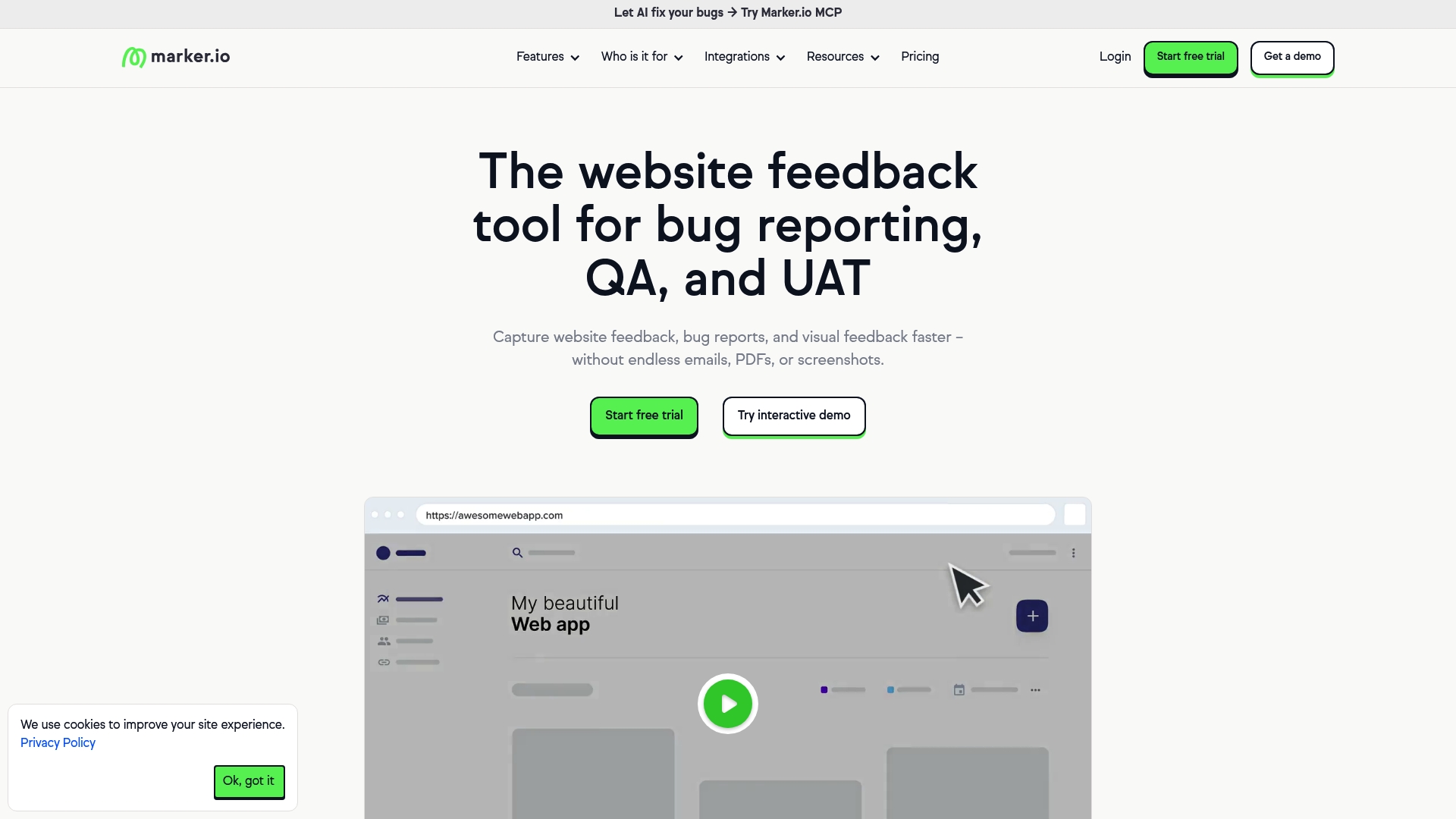
Marker.io captures annotated screenshots from an embeddable feedback widget and browser extension so nontechnical stakeholders can mark problems on the page. It records user interactions with Session Replay while applying Data Masking to hide sensitive fields during review. Workspace analytics and AI tools help rewrite comments, translate text, and generate concise titles for tickets.
Key Differentiator
The one clear difference is the integrated AI that organizes and translates incoming feedback and suggests short, actionable titles. That automation reduces the manual work of cleaning up reports before they reach engineering. For teams that receive messy bug reports, the AI can cut back on clarifying questions.
Pros
Marker.io shortens the loop between visual issue discovery and ticket creation by attaching screenshots, console logs, and session context to each report. Its strong sync options with common trackers make it easy to push issues into existing workflows using Jira, Trello, and Asana. The vendor advertises enterprise security credentials and offers no code plugins and browser extensions that speed setup for content teams and QA.
Cons
- Customization for complex enterprise workflows is limited according to user feedback. This can force workarounds for bespoke ticket fields.
- Large organizations report that onboarding and full deployment can become complex and require dedicated configuration resources.
- Pricing may matter for small teams. Plans start at $39 per month, which some startups may find restrictive.
When It May Not Fit
If your engineering process relies on deeply customized ticket fields and bespoke automation, Marker.io may feel restrictive. Organizations that need a turnkey, heavily tailored enterprise setup will likely face additional integration work. Small teams on a tight budget should compare total monthly costs before committing.
Notable Integrations
Marker.io connects to common project trackers and platforms including Jira, GitHub, WordPress, GitLab, Azure DevOps, Trello, Asana, and Notion. These connections let you send enriched issues directly into existing boards or repos with session context and attachments.
Who It’s For
Web teams, product managers, QA engineers, and agencies that manage multiple websites will get the most value. Teams that need visual annotations plus ticket sync will find the workflow familiar. It is less suited for groups that require deep workflow customization out of the box.
Real World Use Case
The vendor reports L’Oréal uses Marker.io across hundreds of sites and highlights the speed claim in its examples. That speed claim shows up in vendor case stories. In practice a content editor can highlight a broken image, attach the session replay, and push a fully detailed ticket to Jira within minutes.
Pricing
Plans start at $39 per month and include a 15 day free trial. The vendor lists paid tiers but full tier details are not published in the summary here. Enterprise pricing and custom contracts are available for larger deployments.
Website: https://marker.io
Userback
At a Glance
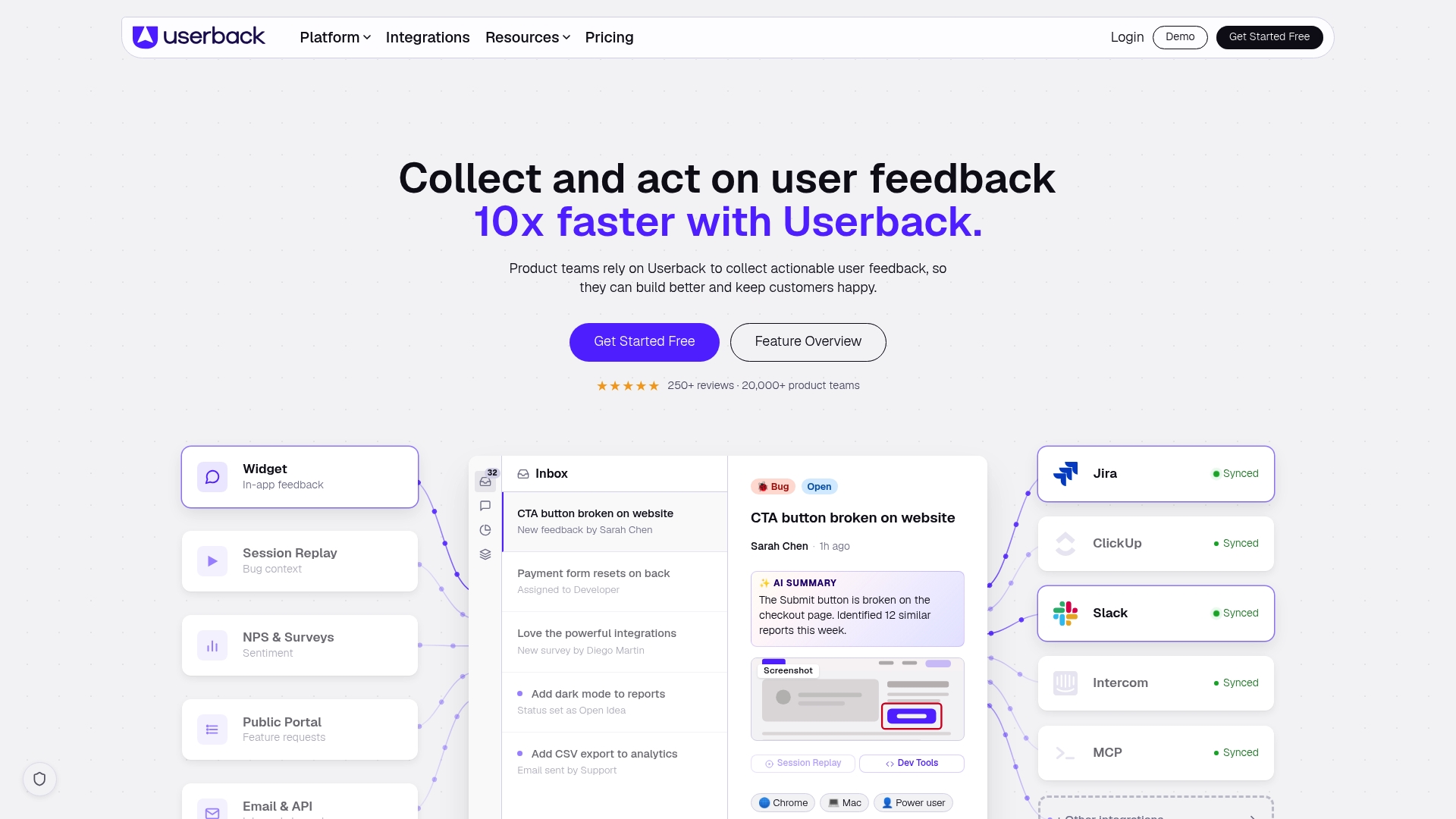
Session replay, video recording, and annotated screenshots sit alongside AI powered feedback categorization in one product. The platform also offers a public feature portal where users can vote and comment on ideas. Pricing begins with a free tier and paid plans start at $29/month.
Core Features
The product centers on a Feedback Widget that collects comments and annotated screenshots directly inside your product, plus user surveys and a browser extension to capture feedback from any page. It records session replay and video to show user context, and it links feedback to identified users for follow up. The platform also includes feedback management tools with automation and AI powered categorization to help route and tag items.
Key Differentiator
Userback unifies visual feedback collection, automation, and AI powered insights in a single workflow while offering built in voting via a feature portal. That combination reduces the need to stitch multiple point tools together for visual bug reports and idea prioritization. The breadth of visual capture plus automated categorization is where it differs from simpler feedback widgets.
Pros
The product offers strong visual capture tools including annotated screenshots, video recording, and session replay so teams see exactly what users experienced. Deep integrations with project tracking and support tools let teams push reports into Jira, GitHub, or Slack for faster triage. The platform also advertises AI powered insights and automation which can cut manual sorting time, and a free plan helps teams trial core features before upgrading.
Cons
- Interface can feel complex at first because the feature set covers many feedback scenarios.
- Pricing can become expensive for large teams managing many projects and seats.
- There is a learning curve to set up and tune automation and the AI powered categorization.
When It May Not Fit
Teams that need a minimal bug report widget without extra features will find this product heavier than necessary. Organizations with a very large number of projects and users should model license costs before committing. Groups that lack time to configure automation may not get immediate value from the AI features.
Notable Integrations
Jira, Slack, GitHub, ClickUp, Trello, Asana, Zendesk, Intercom
Who It’s For
Product teams, UX designers, and customer support teams that want visual context attached to feedback will get the most value. Teams that already use a project tracker such as Jira or GitHub will benefit from the built in connectors. It also fits teams that want a public feature portal for user voting and comments.
Real World Use Case
A SaaS company places the feedback widget inside its product to capture annotated bug reports from customers. The team pushes items to Jira and watches session replays to reproduce issues faster. Product managers use the feature portal to prioritize requests based on user voting and the recorded context.
Pricing
A free plan lets teams test core feedback capture features. Paid plans start at $29/month and add more projects, integrations, AI powered insights, automation, and enterprise options.
Website: https://userback.io
Mopinion
At a Glance
Mopinion holds ISO 27001 certification and states EU GDPR compliance while operating on an EU hosted cloud. The platform advertises AI powered summaries that highlight trends across web, app, and email feedback. That combination targets organizations that must keep data in the EU while extracting meaning from large feedback volumes.
Core Features
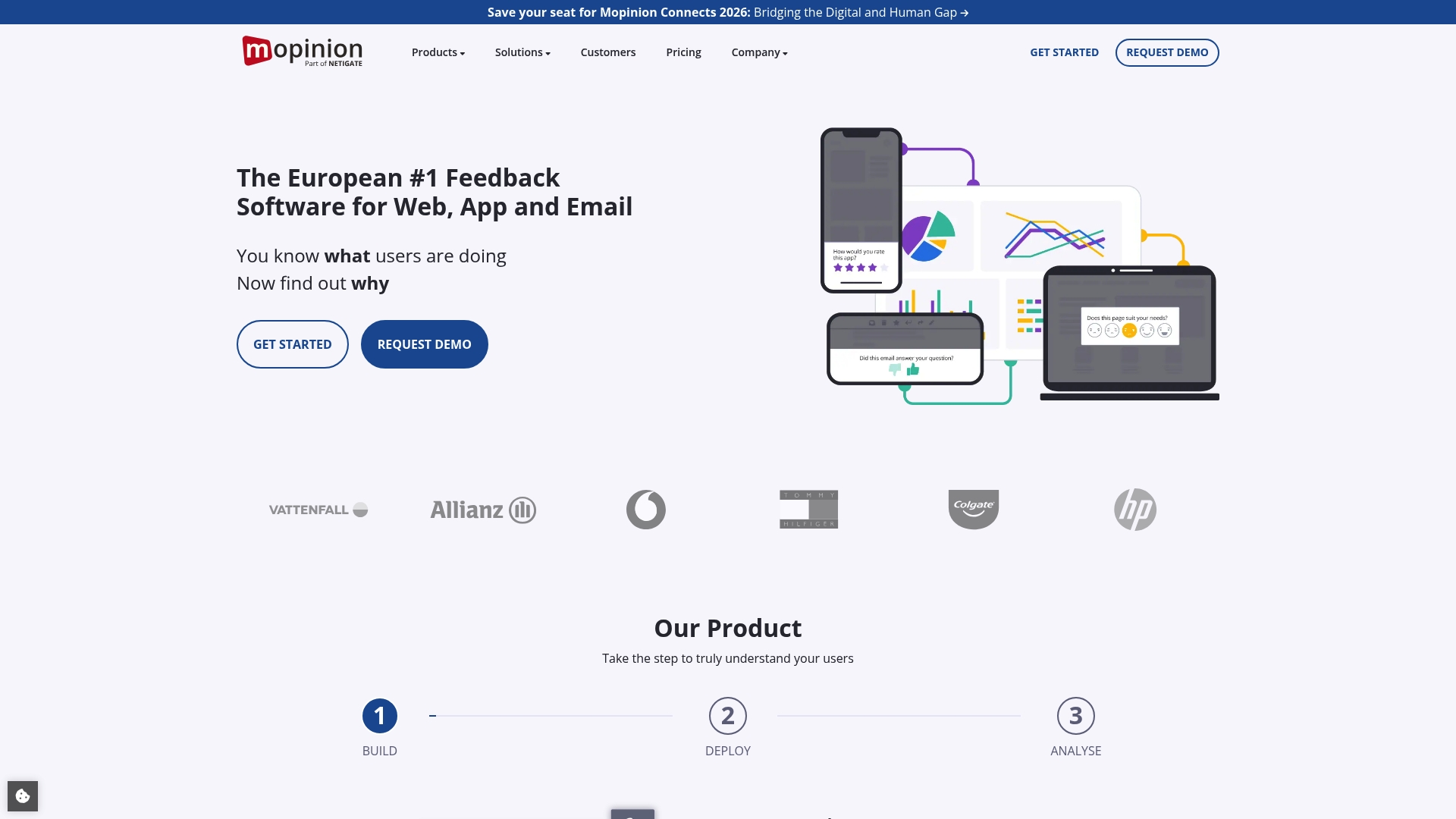
Mopinion collects feedback via customizable forms for websites, native apps, and email, and it can trigger those forms based on user behavior and specific events. The product provides AI powered feedback summaries and trend insights, plus real time analysis and visualization to surface patterns. Integrations tie feedback into analytics, CRM, ticketing, chat, and project workflows so teams can act on issues faster.
Key Differentiator
The platform pairs in product AI analysis with EU hosted infrastructure and regulatory controls. That tight combination lets teams run automated trend detection while keeping data within European data protection rules. The vendor positions this as a single offering for feedback collection, analysis, and legal compliance.
Pros
Building and deploying customizable feedback forms feels straightforward, which reduces time to collect actionable responses. Automated AI summaries cut down manual tagging and help you spot trends without reading every entry. The platform connects to common marketing and support tools so you can route issues into existing workflows. Mobile optimized forms work for web and native app use, and the compliance posture supports organizations handling sensitive user data.
Cons
- No explicit product limitations are listed in vendor material, leaving some unknowns about edge case behavior.
- The platform may require advanced technical skills for deep integrations or heavy customization.
- Pricing appears targeted at mid sized and enterprise organizations rather than very small teams.
When It May Not Fit
If your team lacks someone with integration experience, deep connectors or custom events may be hard to implement. Small teams with minimal feedback volume will likely find the pricing and setup overhead more than they need. Organizations that require non EU hosting or a simpler lightweight form tool should look elsewhere.
Notable Integrations
Mopinion lists native connectors for a range of marketing and support systems. These integrations let you push feedback into ticketing and analytics platforms for follow up and analysis.
- Salesforce
- Zendesk
- Jira
- Slack
- Google Analytics
- Hubspot
- Intercom
- VWO
Who It’s For
Marketing teams, UX professionals, customer service teams, and product managers at mid sized or larger organizations seeking structured feedback and trend detection will find this useful. The platform fits teams that need EU hosted data storage and a stronger privacy posture. It suits groups that plan to route feedback into existing CRM or ticketing workflows.
Real World Use Case
According to the company, Calvin Klein uses Mopinion to drive data driven decisions from customer feedback. Teams there apparently feed feedback into analytics and marketing workstreams to guide product and campaign updates. That example shows how a retail brand maps feedback into action.
Pricing
Mopinion uses flexible subscription plans with a starting standard tier at €279/month and an enterprise tier starting at €999/month. The vendor offers customization and additional modules for larger deployments. Pricing appears geared toward organizations that require advanced features and EU hosting.
Website: https://mopinion.com
Screeb
At a Glance
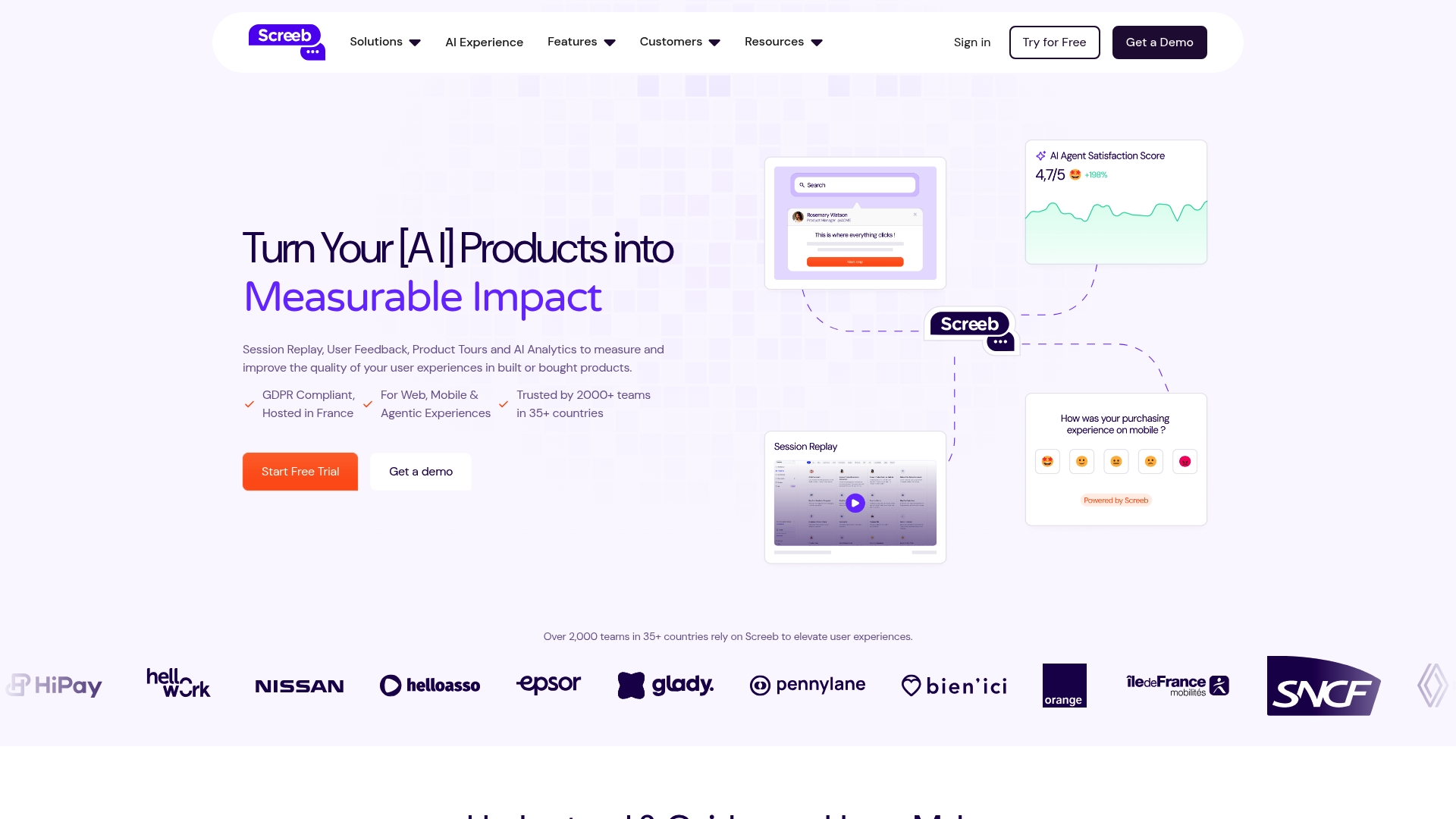
Screeb reports being trusted by over 2,000 teams in multiple countries. The product bundles session replays, surveys, funnel analysis, product tours, and AI driven reports. It emphasizes GDPR compliant data handling for web and mobile use cases.
Core Features
Screeb captures full session replays so you can watch exact user interactions and reproduce issues. It analyzes funnels to highlight drop off points and pairs those metrics with targeted surveys to collect contextual feedback. The platform also offers product tours and AI driven analysis to synthesize feedback and surface patterns quickly.
Key Differentiator
Screeb focuses on automated synthesis of user feedback through AI to shorten the time from signal to decision. That approach ties qualitative surveys to quantitative behaviors so you see both why and where users struggle. Product teams get combined evidence instead of separate heatmaps and detached comments.
Pros
The product delivers integrated behavior tracking and feedback collection so research lives in one place rather than across multiple tools. Integrations with common product stacks help feed Screeb data into existing workflows and dashboards. The vendor highlights GDPR compliant controls and customization like targeted surveys and segmented replays for focused analysis.
Cons
- The interface has a learning curve for new users, according to third party reviews.
- Advanced features may require dedicated onboarding or training for product or research teams.
- Pricing is not published publicly, which complicates budget planning for small teams.
When It May Not Fit
Teams without prior analytics experience may find the initial setup and feature set dense. Organizations that need transparent list pricing for quick procurement will face negotiation delays. Groups that lack bandwidth for training may not realize the advanced feature benefits.
Notable Integrations
Integrations include Segment, Amplitude, Productboard, Notion, and Slack.
Who It’s For
Product managers and UX designers who need combined behavioral data and feedback will find this useful. Customer experience teams that run targeted surveys and need session context will gain faster insights. Digital teams focused on onboarding and conversion optimization will use the product tours and funnel tools heavily.
Real World Use Case
A SaaS company used Screeb to link session replays with exit surveys during onboarding. The team identified a common workflow that caused confusion and adjusted the tour sequence. That change reduced friction and improved adoption of the targeted feature.
Pricing
Pricing is not specified on the vendor site and appears to be custom quoted for each customer. Expect enterprise style licensing and a conversation with sales about seats and data retention.
Website: https://screeb.app
Comparison of alternatives
Choosing the right feedback and user acceptance testing tool depends on specific operational needs and preferences. The alternatives reviewed here present diverse features aimed at optimizing feedback collection, reporting, and compliance across various use cases and industries.
Feature specialization and implementation
Wezard stands out for its unique approach to reducing backlog noise through transcription and duplicate detection features. It ensures that enterprise teams save time by minimizing manual sorting of issues. On the contrary, Marker.io offers a more straightforward deployment and integration with common project trackers, making it suitable for less complex setups.
Pricing transparency and compliance focus
Mopinion leads on data compliance with its GDPR-aligned, EU-hosted infrastructure, catering to organizations with stringent data privacy requirements. However, its starting pricing structure targets larger corporations. Userback, with its AI-driven categorization tools and informative feedback capture options, appeals to teams needing a free trial to explore system customization.
Best fit
- Enterprises aiming to reduce duplicate tickets with embedded capture mechanisms can benefit from Wezard’s specialized deduplication capabilities.
- Teams desiring streamlined feedback integration into common task management platforms might find Marker.io’s widget and extension ecosystem practical.
- Organizations prioritizing AI-driven categorization for high-volume feedback workflows will find Userback a fitting solution.
- Companies requiring compliance with EU-hosted GDPR norms can trust Mopinion for its certified infrastructure.
- Product teams needing session-based user insights to address behavior analytics might explore Screeb.
Our pick
Wezard emerges as the most versatile tool for teams focusing on reducing repetitive backlog entries during enterprise-level implementations. It uniquely combines live transcription, session recording, and duplicate detection to streamline issue reporting pipelines effectively. While it aligns best with enterprises managing complex software environments, organizations prioritizing budget constraints or particular geographical compliance may consider alternatives.
This table compares leading user acceptance testing software to help teams select the most feature-rich and user-friendly option for their workflows.
| Product | Key Feature | Best For | Pricing | Limitation |
|---|---|---|---|---|
| Wezardapp | Live transcription with deduplication | Enterprise QA processes | Starts at $25/month | Limited pricing detail for tiers |
| Marker.io | AI-generated ticket titles | Visual bug reporting | Starts at $39/month | Restrictive customization |
| Userback | Unified feedback with voting portal | Product managers and UX teams | Free, paid from $29/month | Interface complexity on first use |
| Mopinion | EU-hosted AI summaries and trends | Mid-sized to enterprise setups | €279/month to €999/month | Advanced integration setup required |
| Screeb | Behavior analysis merged with feedback | Conversion optimization teams | Price not published | Learning curve during onboarding |
Reducing Duplicate Tickets and Triage Overhead in User Acceptance Testing
Selecting the right usersnap.com alternative for product teams and QA departments means addressing the biggest challenge: managing noisy backlogs filled with duplicate tickets. Wezardapp delivers a unique solution by recording your screen, transcribing issues in real time, and applying AI to detect duplicate tickets before they reach Jira or Azure DevOps backlogs. This means fewer manual triage steps and clearer bug reports.
Teams working on complex stacks like Guidewire or Salesforce gain:
- Automated ticket creation with rich session recordings
- Real-time transcription to speed up issue reproduction
- Fewer low-value tickets to slow down engineering
See how Wezardapp can cut your backlog noise and improve UAT efficiency by visiting Wezardapp. Start simplifying your ticket flow with AI-powered deduplication today.

FAQ
How does Wezardapp reduce duplicate tickets during user acceptance testing?
Wezardapp reduces duplicate tickets by up to 40% through its automatic detection and merging of duplicate tickets feature. This functionality lessens backlog noise and saves triage hours, allowing teams to focus on critical issues. Start using Wezardapp to streamline your reporting process and minimize repetitive entries.
What is the difference between Wezardapp and Marker.io in terms of integration capabilities?
Marker.io offers strong sync options with common project trackers like Jira, Trello, and Asana, allowing quick issues to be pushed into existing workflows. Wezardapp, on the other hand, excels in capturing rich context with session recordings and environment metadata, primarily targeting large enterprise product teams. Consider your specific integration needs to determine the best fit for your workflows.
Which platform captures user feedback in real-time with AI transcription?
Wezardapp captures user feedback in real-time and transforms spoken reports into searchable text using AI-powered transcription. This feature enhances the quality of reported issues, making it easier for teams to analyze and address them. Try Wezardapp for a comprehensive solution for user feedback collection.
Can I use Wezardapp for complex project implementations?
Wezardapp is particularly suited for large enterprise product teams working on complex project implementations. It provides features that target noisy backlogs during user acceptance testing, ensuring high-quality reporting and less confusion. For teams managing intricate systems, Wezardapp’s capabilities can significantly enhance efficiency.
What feature allows Wezardapp to enrich prefilled tickets automatically?
Wezardapp’s core feature of capturing live screen recordings combined with session metadata enriches prefilled tickets automatically. This comprehensive approach helps engineers reproduce bugs easily without extensive follow-up. Explore how Wezardapp can simplify your bug reporting process and improve team collaboration.


